



If you’re venturing into the world of smart devices, you’ve likely encountered the term Tuya Zigbee—but what exactly is it, and why does it matter for your connected home? At its core, Tuya Zigbee refers to the integration of the Zigbee wireless communication protocol within the Tuya Smart ecosystem, one of the world’s leading IoT platforms.
Table Of Content
- What Is Tuya Zigbee? A Complete Guide
- Tuya Zigbee Explained: Core Technology and Communication
- How Tuya Zigbee Devices Form a Mesh Network
- The Role of the Tuya Zigbee Gateway in Your Smart Home
- Comparing Zigbee 3.0 with Older Zigbee Versions in Tuya Products
- Setting Up and Expanding Your Tuya Zigbee System
- Steps to Connect a New Device to the Tuya Smart App
- Question-Answer
- Is Tuya Zigbee just a rebranded version of the standard Zigbee protocol?
- I have a Tuya Zigbee hub. Can I connect any Zigbee light bulb to it, or only Tuya-branded ones?
- How does the local control work with Tuya Zigbee? Does it still need the internet?
- What are the main reasons to choose Tuya Zigbee over just using Wi-Fi smart devices?
- If I buy a Tuya Zigbee hub, am I locked into only buying cheap, no-name brand devices?
- Is Tuya Zigbee just a rebranded version of the standard Zigbee protocol, or is it different?
- Tuya Zigbee integrates Zigbee 3.0 into Tuya's ecosystem for unified control via the Tuya Smart or Smart Life app.
- It uses a low-power, self-healing 2.4 GHz mesh network where mains-powered devices act as repeaters to extend range.
- A coordinator gateway or hub translates the Zigbee mesh to your router and enables remote control and local automations.
- Zigbee 3.0 improves interoperability and security over older versions but devices often require Tuya certification for reliable pairing.
- Local device actions can run without internet, but app and cloud features typically need internet connectivity for remote control.
Unlike Wi-Fi-dependent devices, Zigbee creates a dedicated, low-power mesh network where smart products—like lights, sensors, switches, and door locks—communicate directly with each other. This means greater reliability, reduced interference with your home Wi-Fi, and significantly extended battery life for battery-operated devices. Tuya’s implementation makes this technology accessible and user-friendly, allowing seamless control through its popular Smart Life app while supporting a vast array of affordable, compatible products.
In this guide, we’ll demystify what Tuya Zigbee is, how it works, its key advantages over other protocols, and how you can use it to build a more responsive, efficient, and scalable smart home system. Whether you’re a beginner looking to automate your first room or an enthusiast planning a whole-house setup, understanding Tuya Zigbee is the key to a smarter, more connected living space.

For a robust and responsive smart home system, direct your attention to the low-power, mesh-based wireless protocol that operates on the 2.4 GHz band. Unlike Wi-Fi, which can congest your primary network, this standard creates a dedicated, self-healing network where each connected gadget acts as a repeater, extending the range and reliability of your automation setup far beyond a single router’s reach.

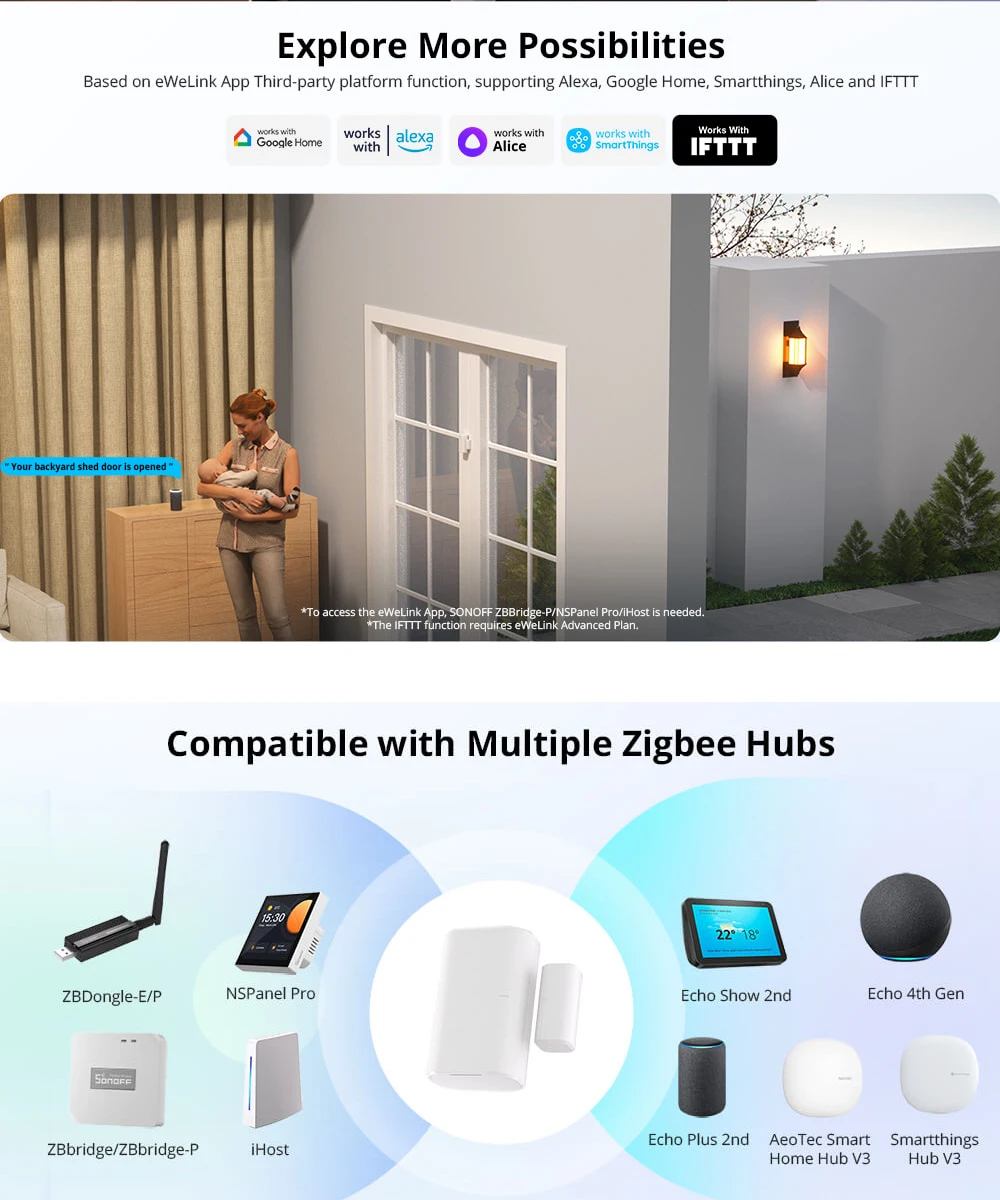
Central to this ecosystem is a coordinator, often a dedicated hub like the Tuya Zigbee 3.0 USB Dongle from AliExpress or integrated into smart speakers. This bridge is the essential translator, managing the local mesh network and linking its devices to your home internet for remote control. You’ll find this technology powering a vast array of affordable sensors and actuators, from MoesHouse smart light switches to SONOFF door/window contact sensors on AliExpress, enabling complex automations without cloud dependency for faster, local execution.

The true strength of this framework lies in its interoperability and low-energy design. Battery-powered devices like Aqara temperature sensors can operate for years, while the mesh ensures commands reach their destination even if one node fails. By adopting this protocol, you build a resilient, scalable network for home automation that prioritizes device longevity and real-time responsiveness over sheer bandwidth, making it ideal for critical security systems, lighting, and environmental controls.

What Is Tuya Zigbee? A Complete Guide
Integrate a dedicated hub, like the Smart Life Zigbee Hub, as the essential backbone for your domestic automation system. This central unit translates the wireless protocol, enabling flawless communication between your router and a vast array of sensors and actuators.
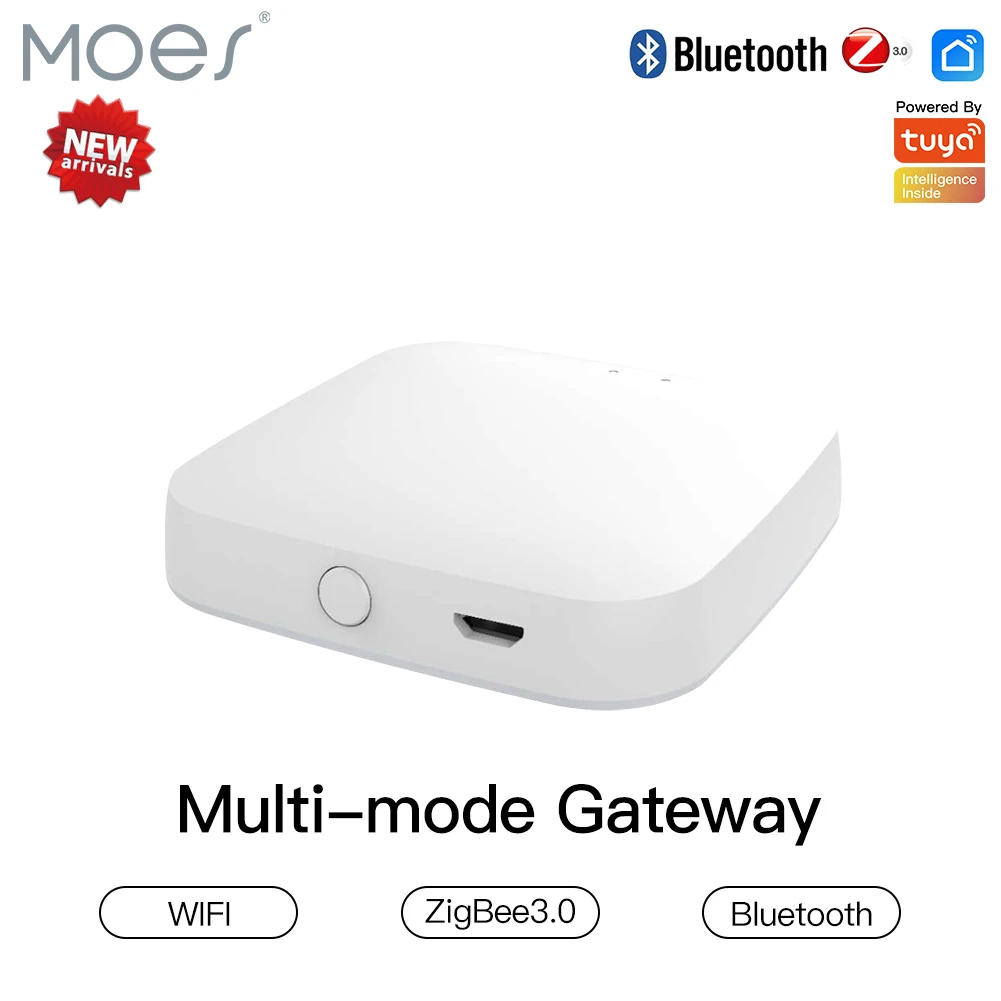
The primary advantage of this mesh network lies in its robust connectivity. Each smart product, such as a temperature sensor from AliExpress, acts as a signal repeater, eliminating dead zones and ensuring commands reach distant devices like garden lights or garage door controllers without relying on a weak Wi-Fi signal.
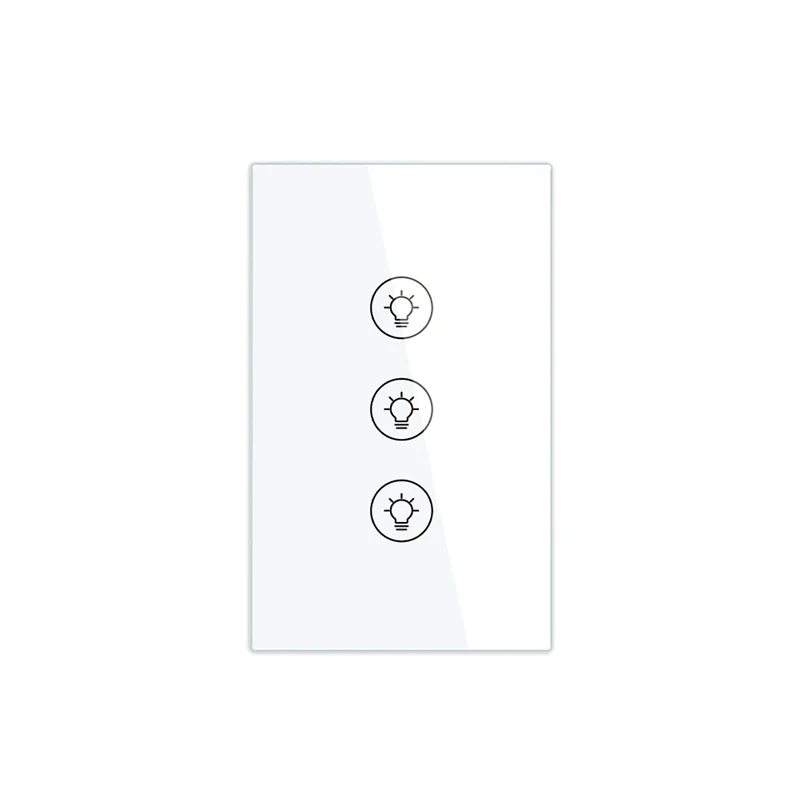
| Device Type | Example Product | Key Benefit |
|---|---|---|
| Security Sensor | Door/Window Contact Sensor (AliExpress) | Ultra-low power, instant alerts to hub. |
| Lighting Control | Zigbee Dimmer Switch | Operates locally if internet fails. |
| Environmental Monitor | THP Sensor (Temperature, Humidity, Pressure) | Battery lasts years, enabling dense sensor networks. |
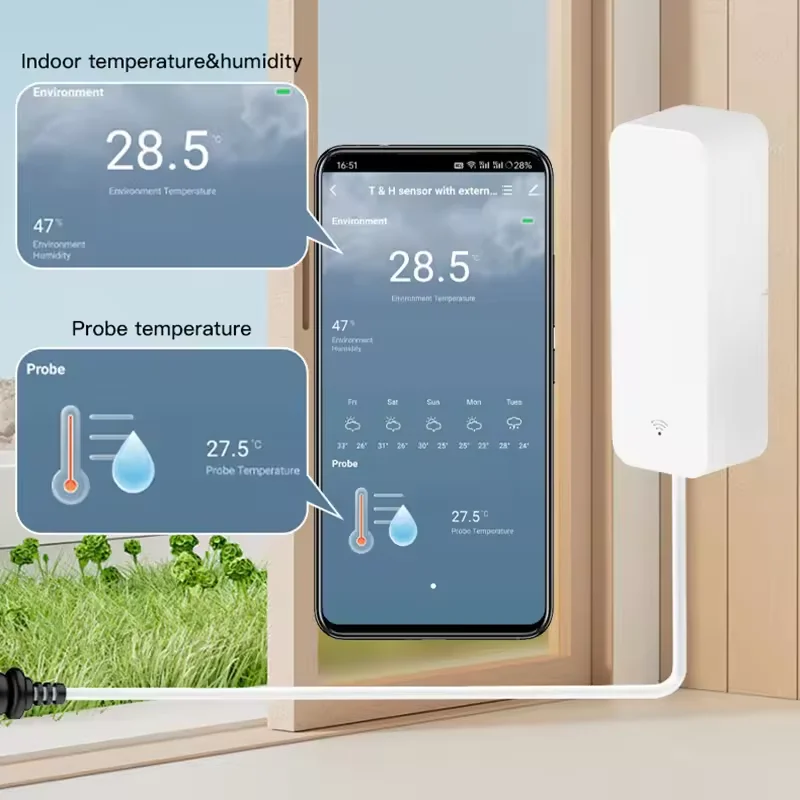
For a reliable setup, prioritize devices certified for the standard, ensuring full interoperability within your automated residence. A well-planned installation with sufficient powered devices, like smart plugs, strengthens the entire wireless mesh, making it scalable for adding dozens of new components over time.
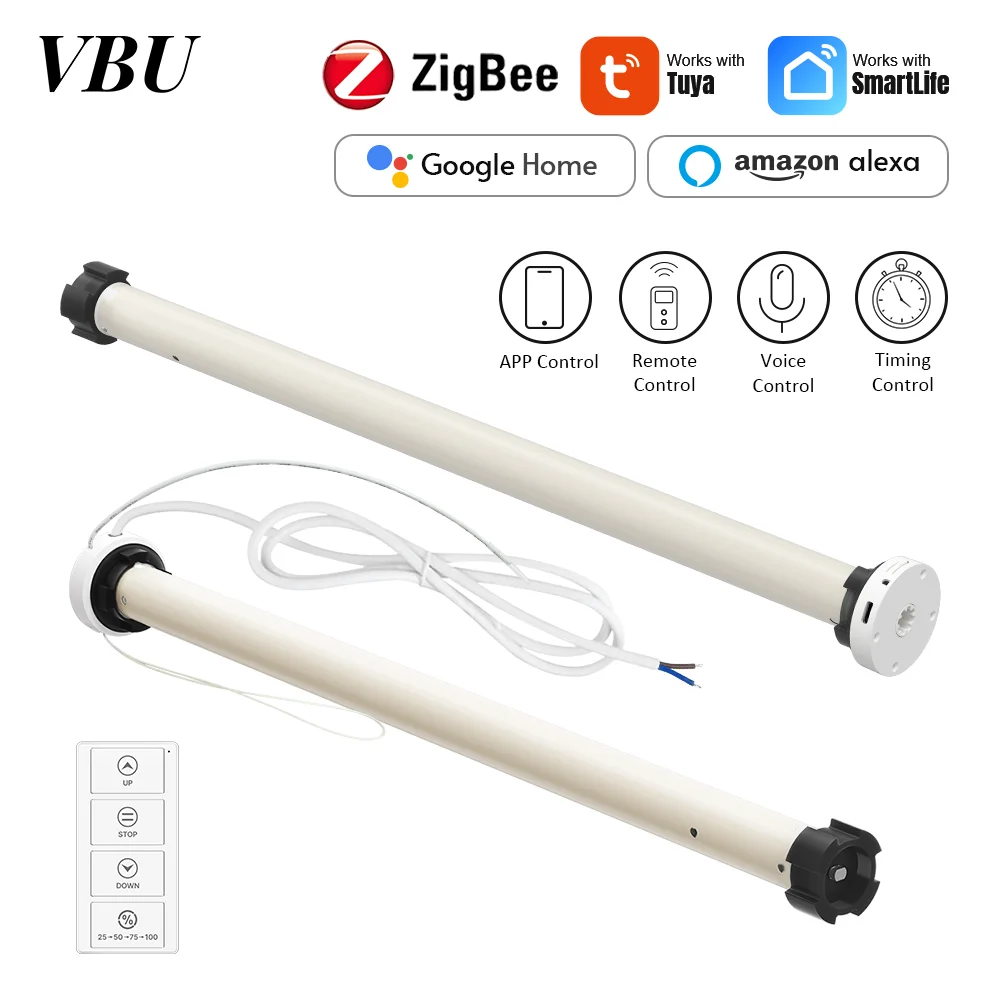
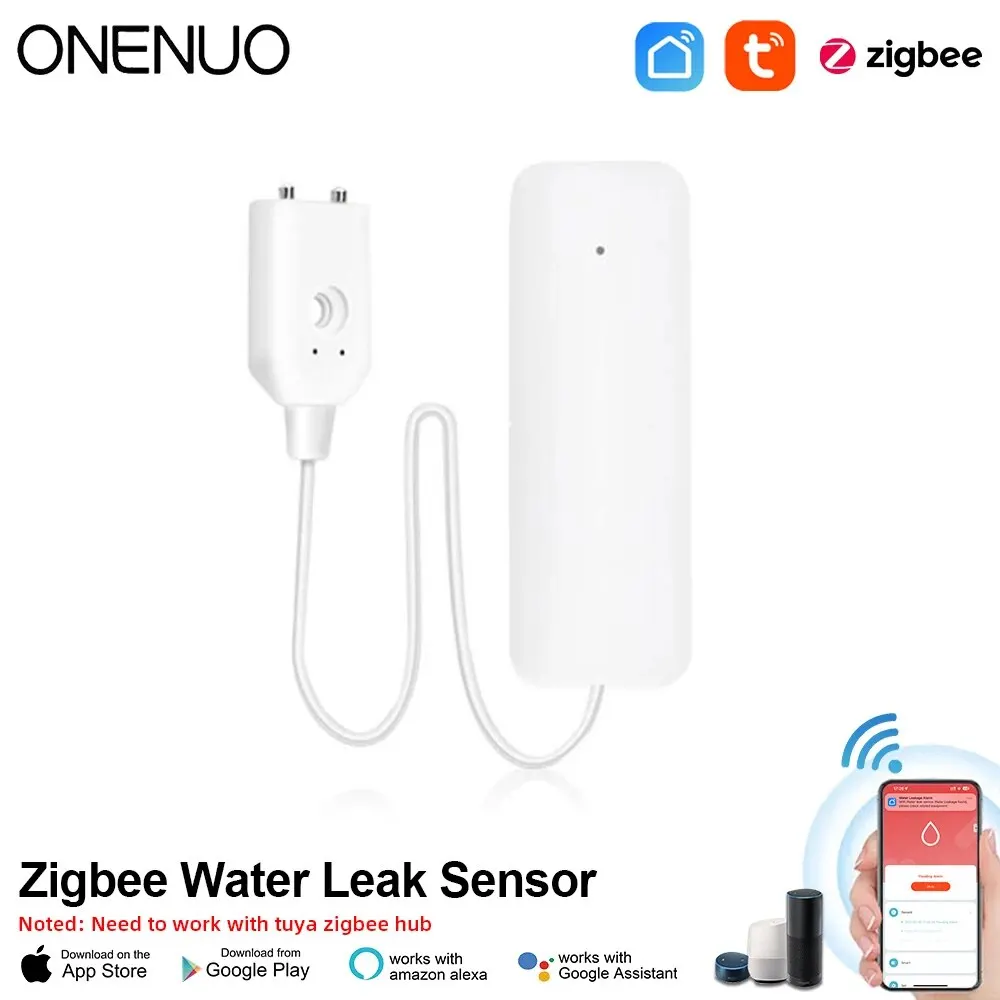
This ecosystem’s local processing means critical automations–like turning on lights upon motion detection–execute with near-instantaneous latency, independent of cloud services. Explore compatible gadgets, from water leak detectors to smart blinds, to build a truly responsive and efficient living space.
Tuya Zigbee Explained: Core Technology and Communication
Focus on the hub as the essential command center; a device like the Moes House Zigbee 3.0 Gateway from AliExpress forms the backbone of your entire automation system. This central unit translates the proprietary protocol into a common language, enabling seamless connectivity with popular platforms like Amazon Alexa and Google Home.
The underlying wireless mesh network is self-healing and extends range dynamically. Each smart sensor, such as the SONOFF SNZB-04P PIR Motion Sensor, acts as a signal repeater, boosting overall reliability far beyond a standard Wi-Fi setup.
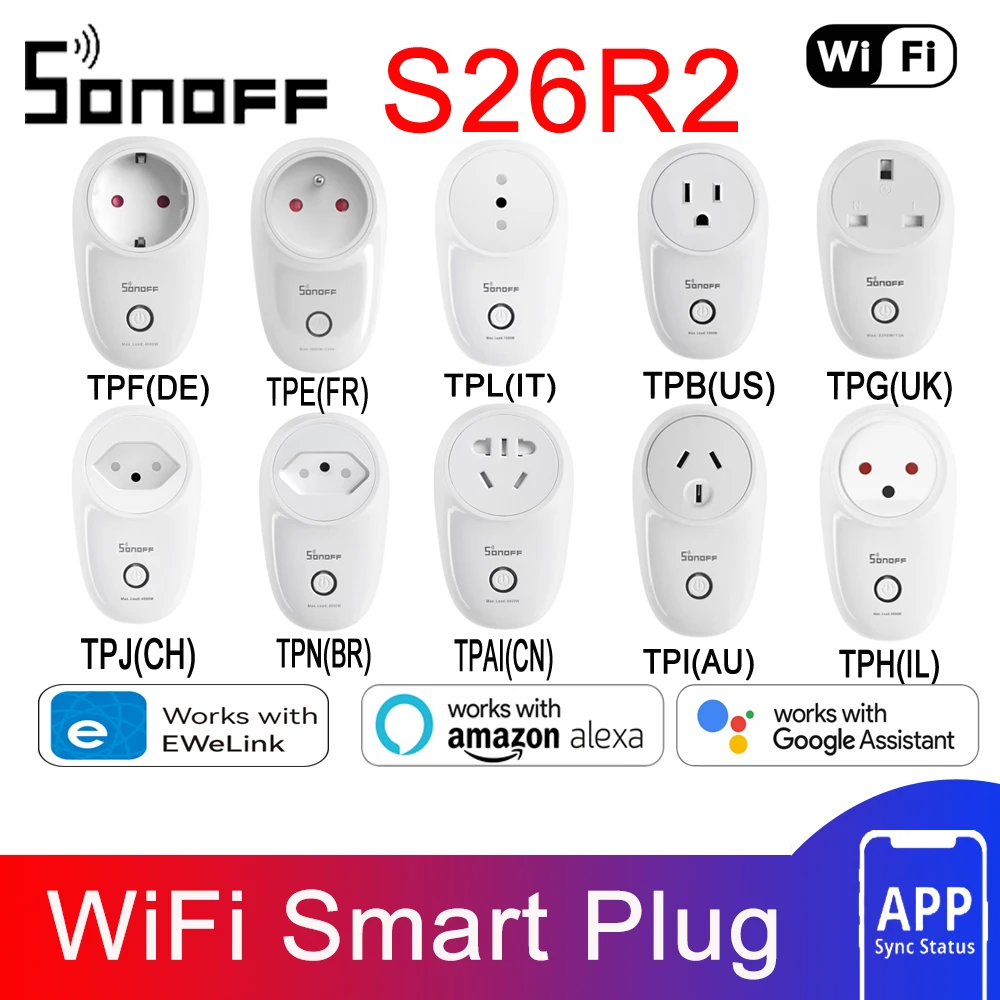
For optimal performance, strategically place mains-powered devices like the Tuya Zigbee Smart Plug throughout your home to strengthen the mesh. This ensures battery-operated units, including door/window contacts and temperature sensors, maintain a stable link with minimal latency for instantaneous automation triggers.

How Tuya Zigbee Devices Form a Mesh Network
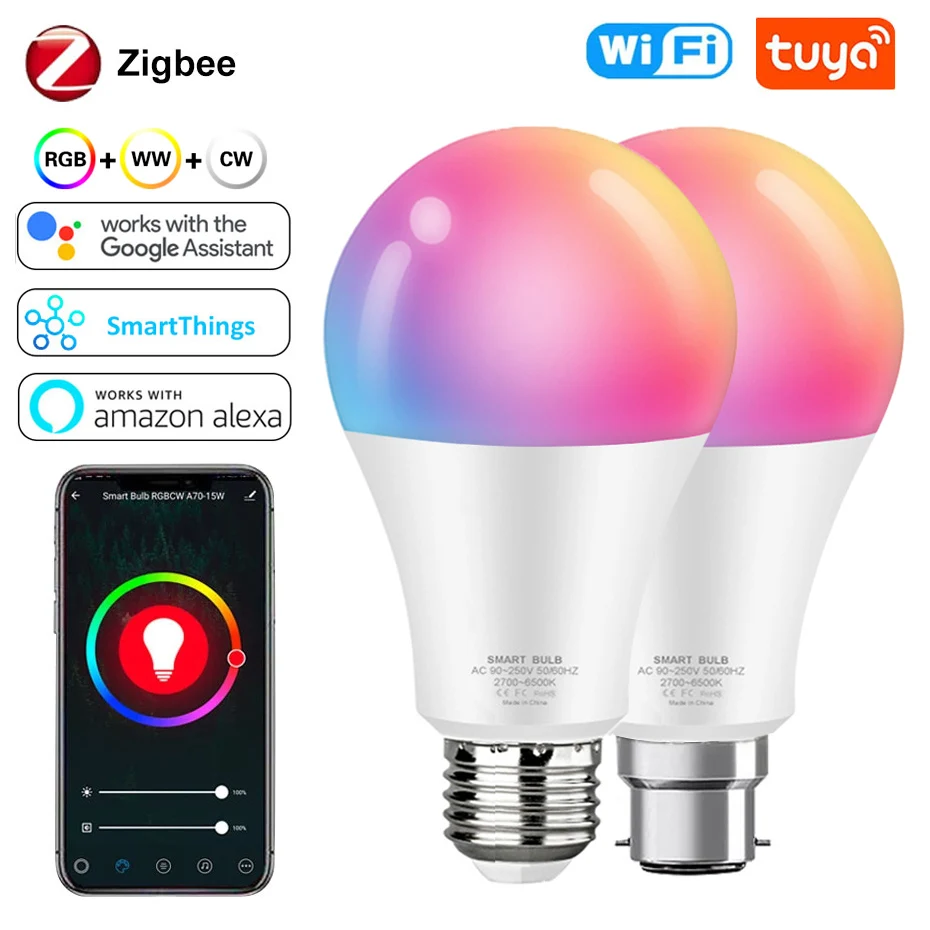
Position your hub centrally and plug in your first smart device, like a Sengled bulb , to establish the initial network connection.
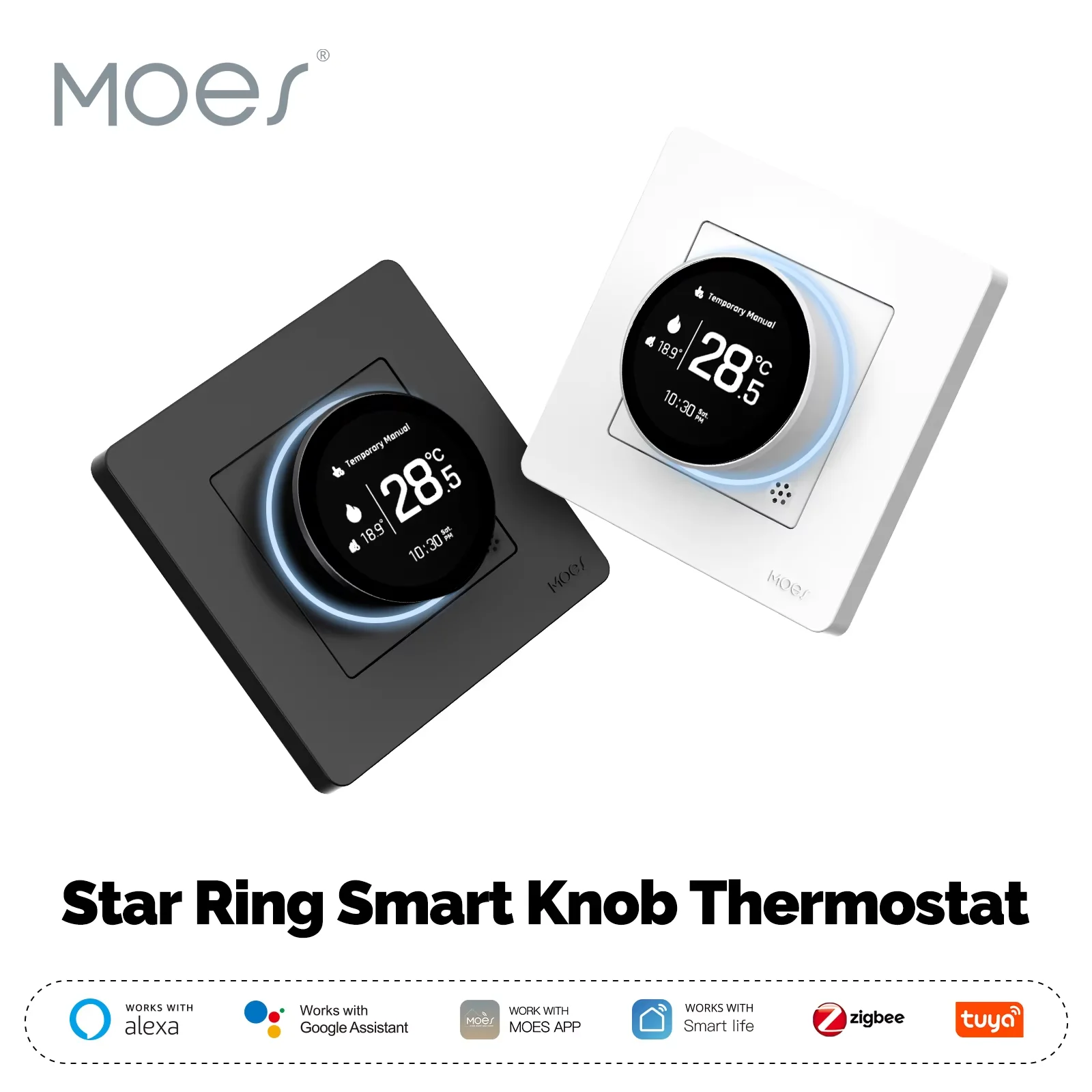
Each newly added unit, such as a Moes thermostat from AliExpress, automatically searches for and connects to the nearest active node, extending the wireless web’s range.
This self-healing protocol ensures if one gadget fails, like a SONOFF sensor, communication reroutes through alternative pathways, maintaining robust whole-home automation.
For optimal performance, distribute endpoints evenly; place a smart plug between distant gadgets to act as a signal repeater, strengthening the entire ecosystem.
The mesh architecture directly reduces latency for critical commands, such as triggering a security siren when a contact sensor detects an opening.

The Role of the Tuya Zigbee Gateway in Your Smart Home
Consider the gateway the essential command center; without it, your Zigbee sensors and switches operate in isolation. This hub translates the proprietary Zigbee protocol into a universal language your Wi-Fi router understands, enabling seamless integration with your broader smart ecosystem and cloud services for remote control.
For robust whole-home connectivity, strategically place the hub centrally, like the MoesHouse Zigbee 3.0 USB Dongle connected to a always-on server, or the popular MOES ZigBee & Bluetooth & Mesh Gateway on a living room shelf. This central positioning strengthens the mesh network, allowing devices like the SONOFF SNZB-01 sensor in a distant garage to relay signals reliably back to the core.
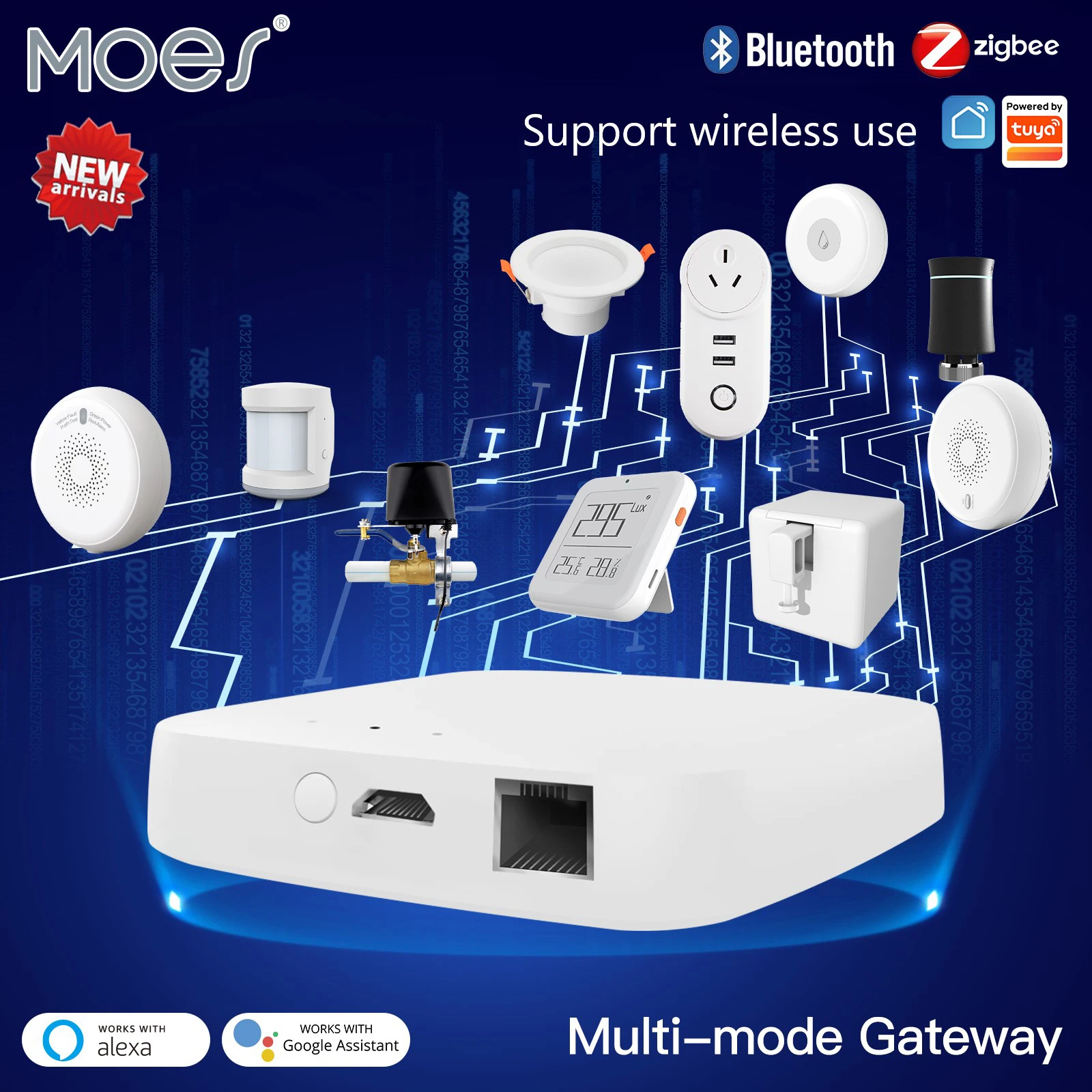
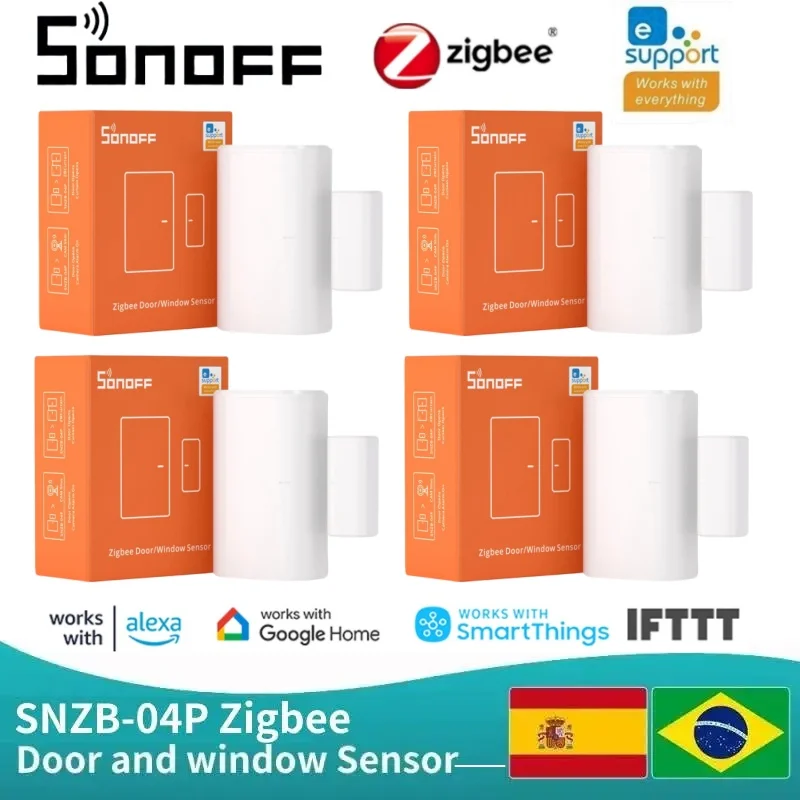
The gateway’s true power unlocks in local automation. Create instantaneous “if-this-then-that” rules directly within the companion app, such as commanding an Aqara Door and Window Sensor to trigger a Lonsonho Smart Plug the moment it opens, all without relying on an external internet connection for faster, more reliable execution.
Comparing Zigbee 3.0 with Older Zigbee Versions in Tuya Products
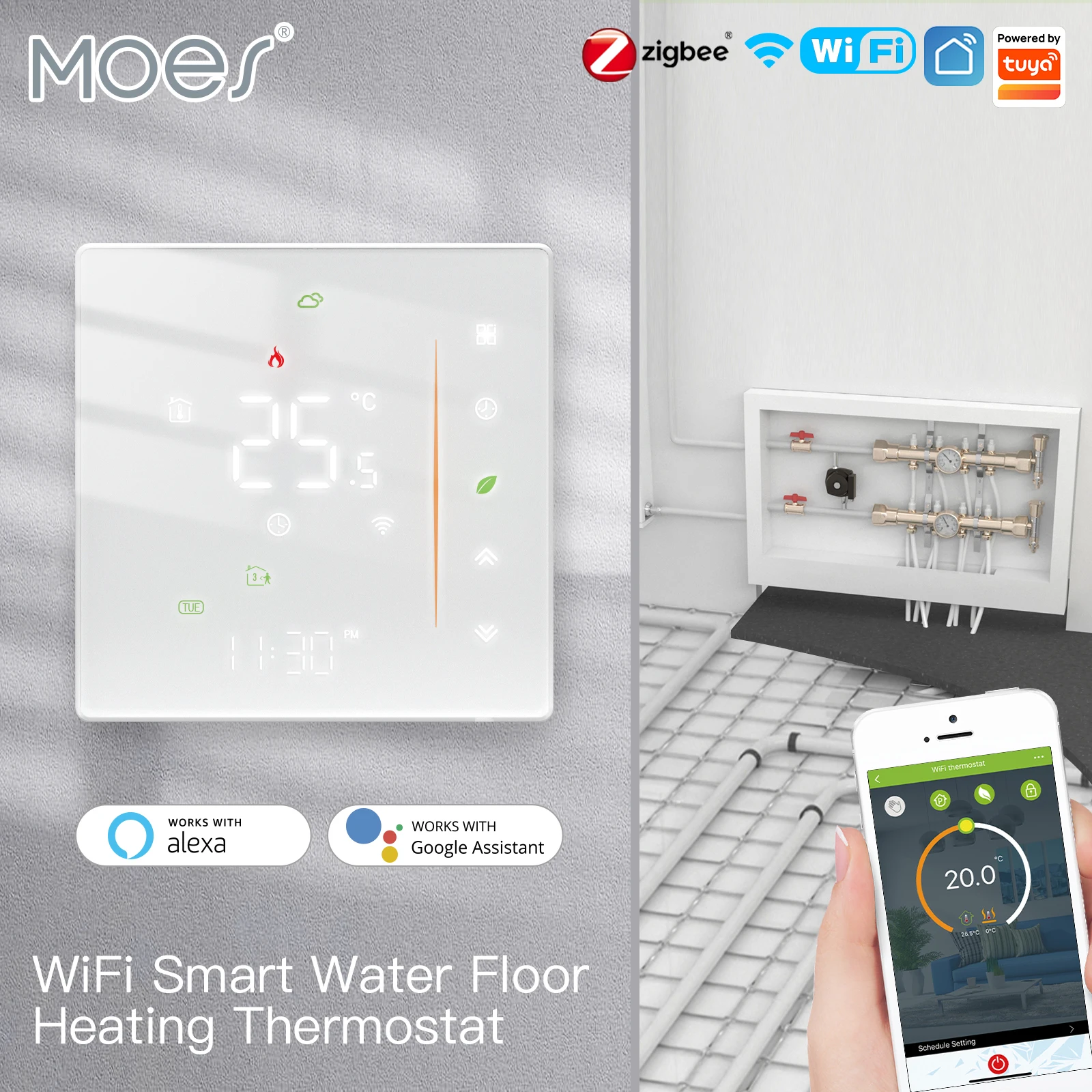
For new installations, prioritize Zigbee 3.0 devices like the MoesHouse Smart Switch or the LSC Smart Connect RGB Bulb to ensure maximum future compatibility and a unified smart home network.
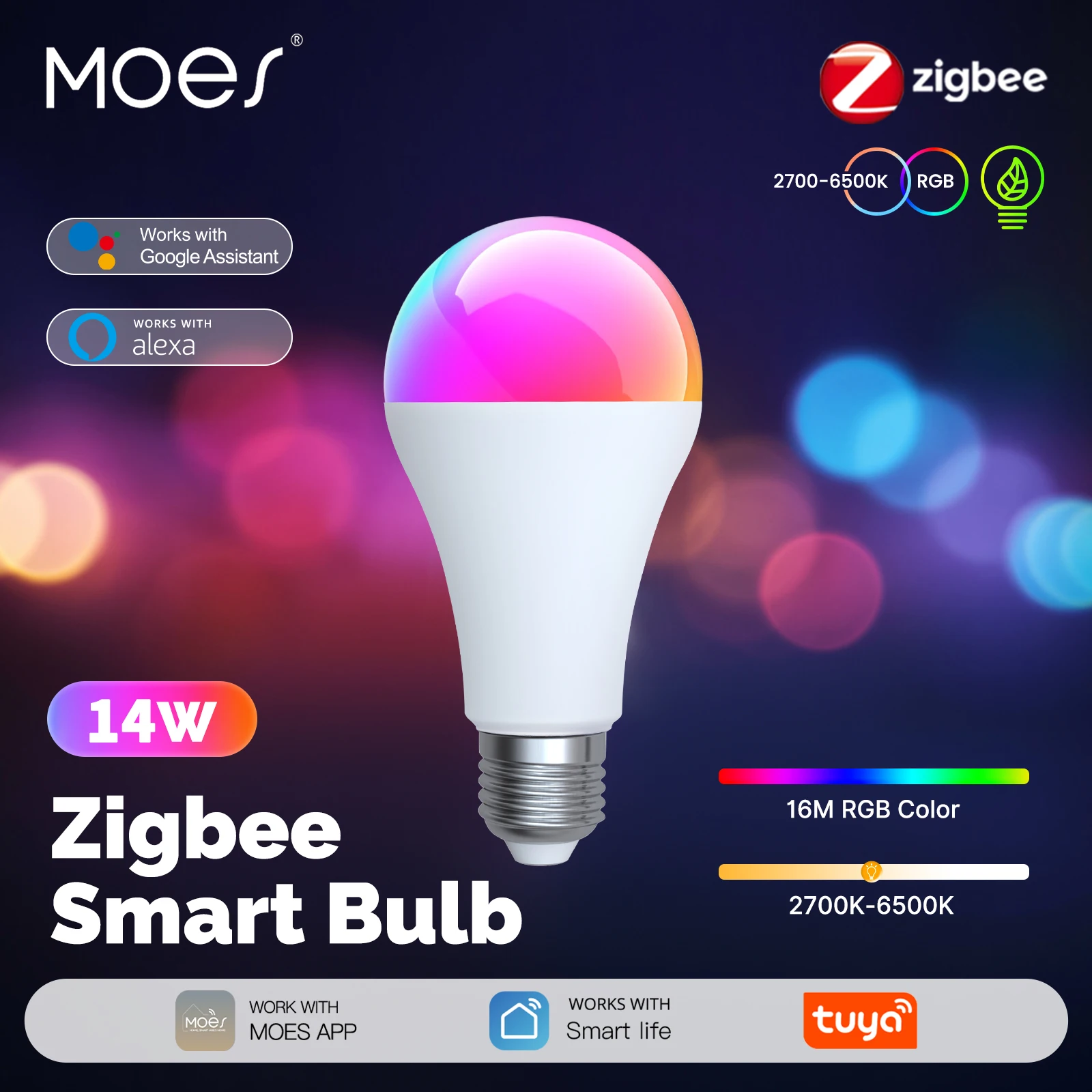
The primary upgrade is universal interoperability. Zigbee 3.0 unifies previously separate application profiles (Zigbee Home Automation, Zigbee Light Link, etc.). This means a 3.0 motion sensor from one brand can directly trigger an older-version light from another within the same wireless mesh, eliminating vendor lock-in.
Enhanced network security is a critical data point. Zigbee 3.0 mandates full support for Centralized Key Distribution and Install Codes, providing robust encryption from the moment a device joins the automation system. Older versions, particularly Zigbee Pro or ZLL, often had inconsistent security implementations.
Expect more reliable connectivity and extended mesh range with the newer protocol. Zigbee 3.0 optimizes routing and network discovery, allowing for larger and more stable wireless networks. A 3.0 smart plug, such as the BlitzWolf Outlet, acts as a more efficient repeater compared to its predecessors.
When mixing versions, connect all devices through a Zigbee 3.0-certified gateway. This hub creates a unified network, allowing legacy devices like first-generation sensors to communicate with modern 3.0 bulbs. However, the entire network segment will operate at the lowest common feature denominator for those connected devices.
Setting Up and Expanding Your Tuya Zigbee System
Begin by placing your central hub, like the SMARTLIFE Zigbee Hub, in a central home location, away from large metal objects and dense walls, to maximize initial wireless signal strength.

Follow this sequential process for reliable integration:
- Power the gateway and connect it to your router via Ethernet for stable network connectivity.
- Enter the hub’s pairing mode using its physical button or the companion app (e.g., Smart Life).
- Immediately activate pairing on your first device, typically a smart plug or bulb, by following its specific instructions (e.g., power cycling).
- Confirm the successful addition within the application before moving to the next gadget.
Strategically expand your mesh by incorporating routing devices early. These are mains-powered units that relay the protocol’s signals:
- Smart plugs like the Moes Zigbee Smart Socket.
- Smart light fixtures or LED controllers.
- Smart thermostats or in-wall switches.
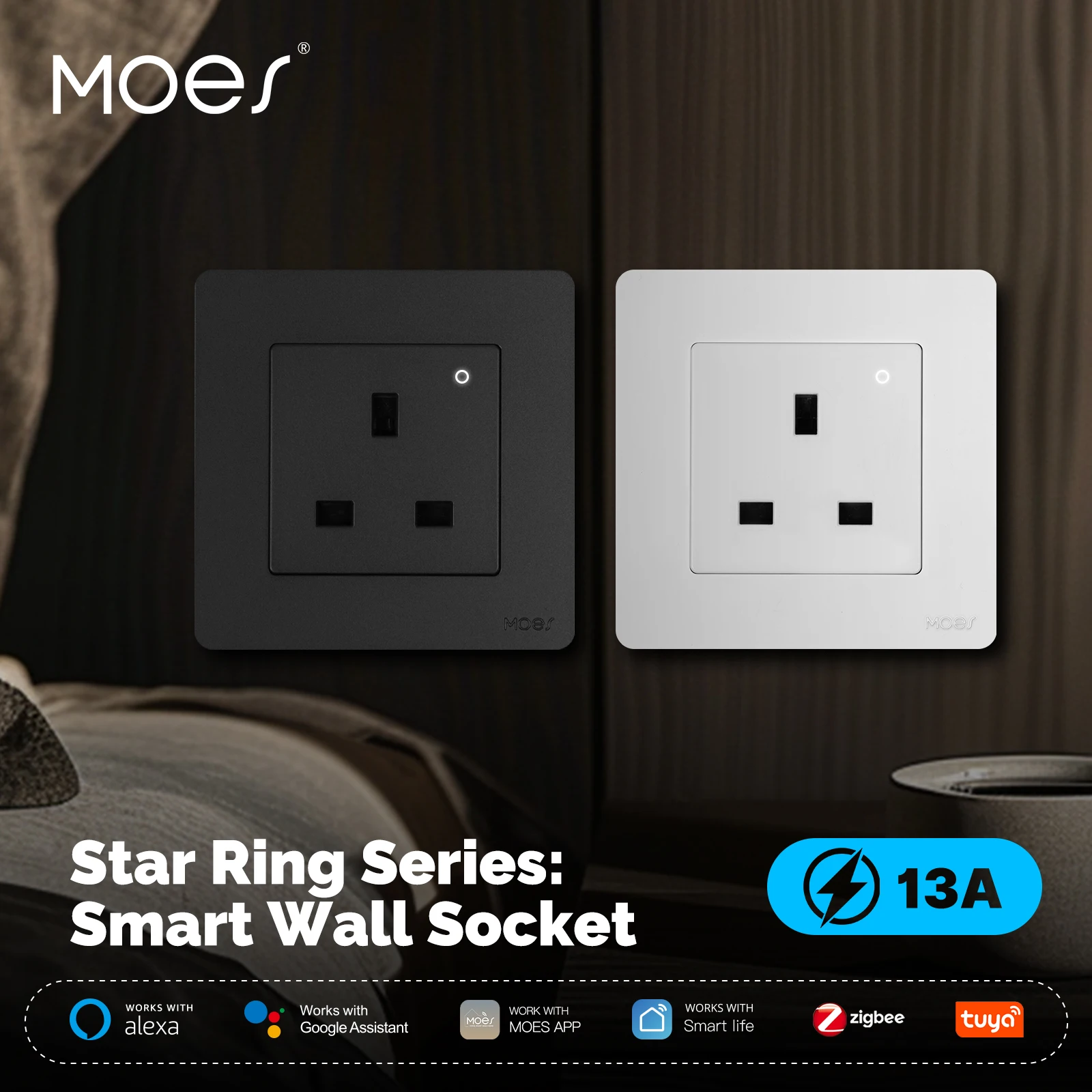
Place these routing nodes between the hub and battery-operated end devices, such as contact sensors or remote controls, to create a robust communication backbone. Avoid connecting more than 20-25 end devices directly to a single router to prevent network congestion.
For large residences, implement multiple sub-networks. Use a second compatible gateway for a distant wing or floor, managing it within the same ecosystem application to maintain unified control and scene automation. Regularly update device firmware through the app to ensure optimal performance and security for your entire wireless setup.
Steps to Connect a New Device to the Tuya Smart App
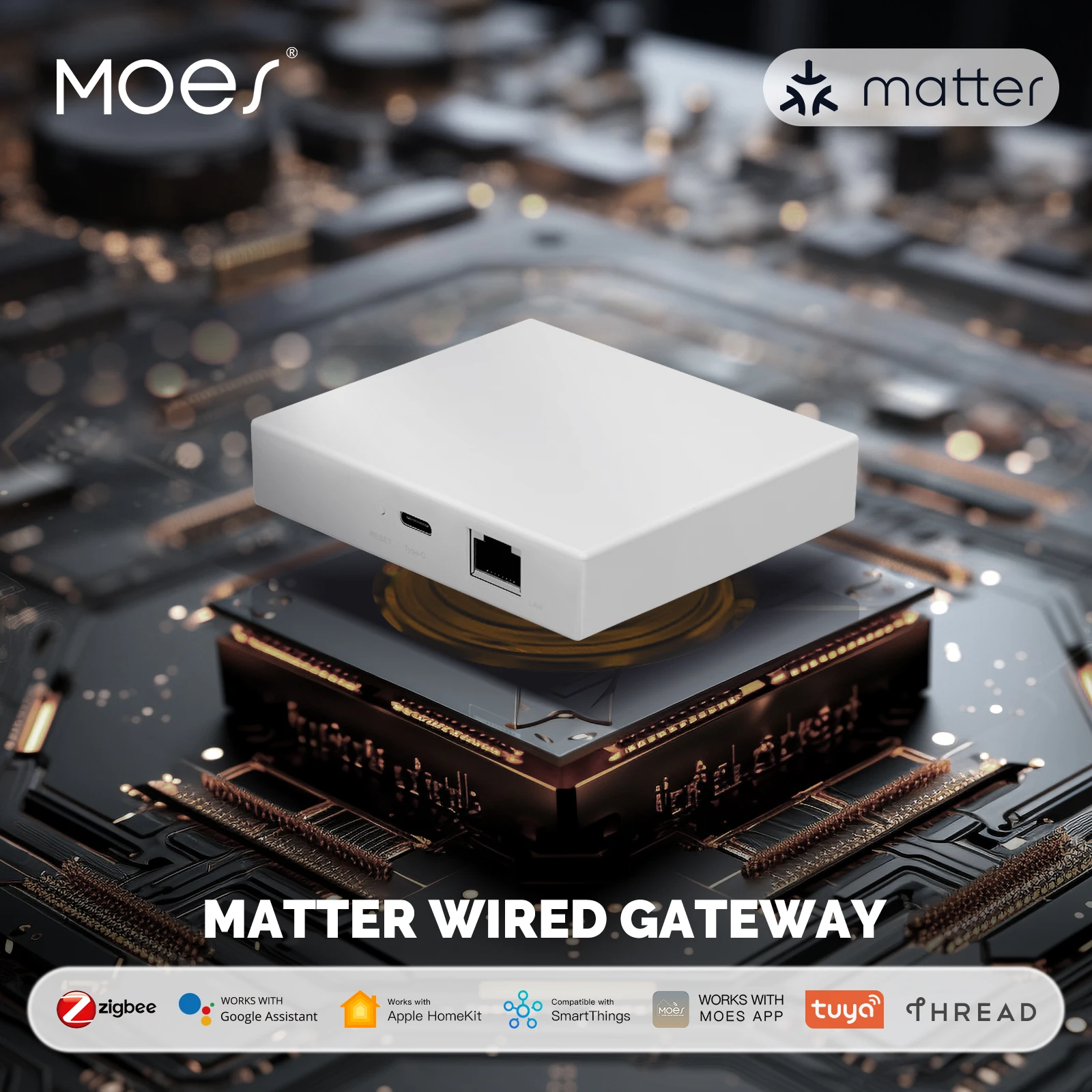
Ensure your smart hub, like the MoesHouse Zigbee 3.0 Gateway from AliExpress, is powered on and connected to your home Wi-Fi network.
Open the Smart Life or Tuya Smart application and navigate to the ‘+’ icon for adding a gadget.
Select the specific device category, for example, “Lighting” for a Lonsonho smart bulb or “Sensor” for a Moes door/window contact.
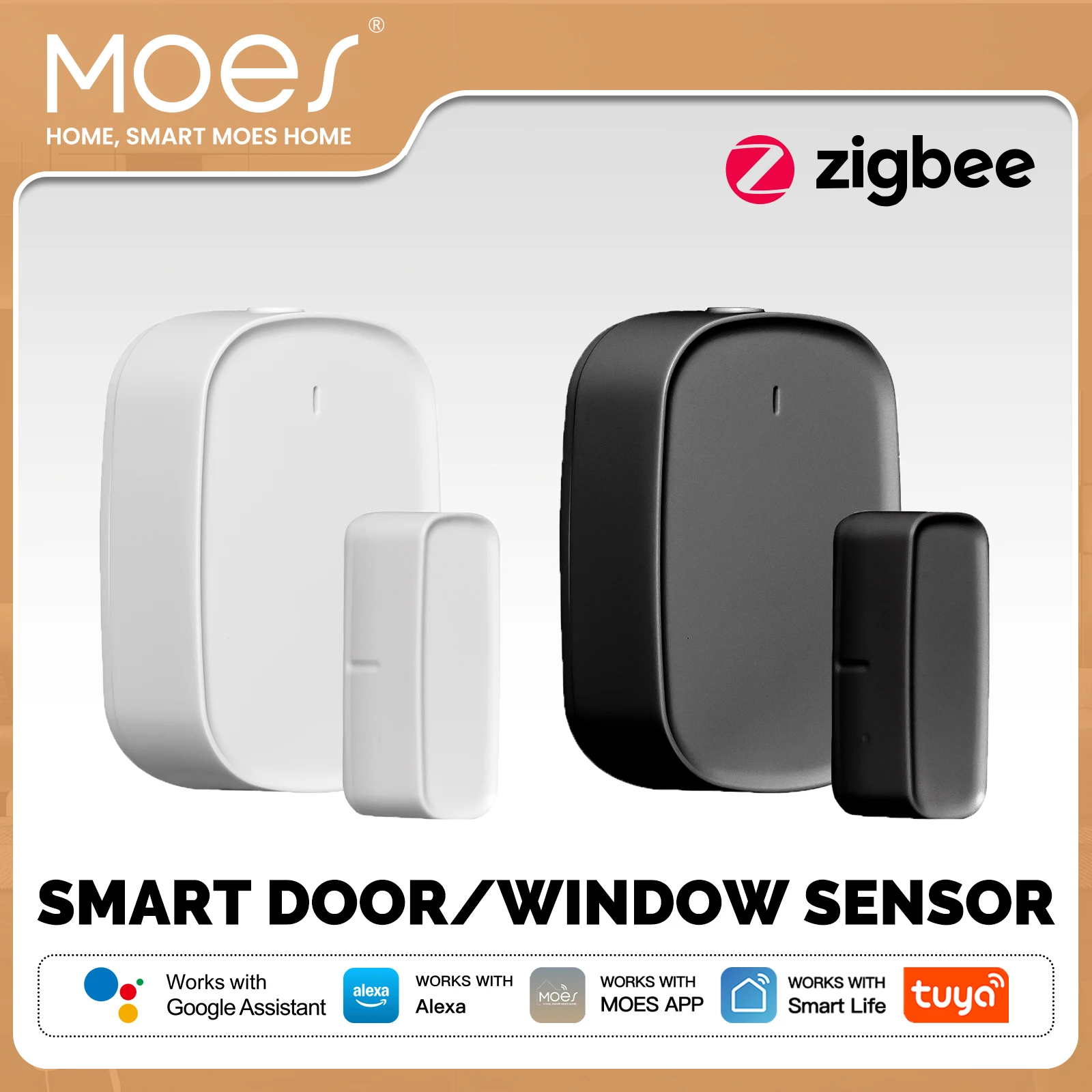
Activate the pairing mode on your new gadget; typically, this involves power-cycling a bulb or holding a button on a sensor until an LED flashes.
Follow the in-app prompts precisely, which will instruct the central hub to search for and establish a wireless link with the new product.
Assign the device to a relevant room and rename it for clear voice control and automation, e.g., “Kitchen Ceiling Light.”
Test the connectivity by toggling the device state within the application to confirm successful integration into your home automation mesh.
Immediately create automations or scenes, such as linking that newly paired sensor to trigger the hallway lights.
Question-Answer:
Is Tuya Zigbee just a rebranded version of the standard Zigbee protocol?
No, it is not a rebrand. Tuya Zigbee uses the core IEEE 802.15.4 standard and Zigbee protocol stack for device communication, which is the same foundation used by other ecosystems like Philips Hue or Samsung SmartThings. The key difference lies in the application layer. Tuya adds a proprietary software layer on top of the standard Zigbee protocol. This layer is what allows Tuya-based devices from various manufacturers to be unified and managed seamlessly through the Tuya Smart app or Smart Life app. So, while the “wire language” is standard Zigbee, the “conversation” about device setup and control fo
llows Tuya’s specific rules.
I have a Tuya Zigbee hub. Can I connect any Zigbee light bulb to it, or only Tuya-branded ones?
You can typically only connect devices that are certified for the Tuya ecosystem. While they all use Zigbee, different companies like Tuya, Philips (Zigbee Light Link), or IKEA (Zigbee 3.0) often implement their own “profiles” or application layers. A standard Philips Hue bulb likely won’t pair directly with a Tuya hub because they don’t speak the same high-level commands. For the widest compatibility, look for devices labeled as working with “Tuya Smart,” “Smart Life,” or that specifically list your Tuya hub model. Some third-party Zigbee 3.0 devices might work, but pairing is not guaranteed without official Tuya certification.
How does the local control work with Tuya Zigbee? Does it still need the internet?
This depends on your setup. A basic Tuya Zigbee network with a hub and devices can communicate locally within your home. Commands like turning a light on/off via a paired Zigbee remote or a routine triggered by a motion sensor can work without an internet connection. However, for control via the Tuya Smart app on your phone or for voice commands through Alexa/Google Assistant, the internet is usually required. This is because the app typically communicates with the Tuya cloud, which then talks to your hub. For true local app control without the cloud, you would need to use a different system like Zigbee2MQTT with a compatible gateway.
What are the main reasons to choose Tuya Zigbee over just using Wi-Fi smart devices?
Two primary reasons are network reliability and reduced Wi-Fi congestion. A Tuya Zigbee network creates its own mesh, so device commands don’t rely on your home Wi-Fi strength. This often means faster and more reliable responses, especially for battery-powered sensors. Also, Zigbee devices like door sensors or remotes can last years on a single battery, while Wi-Fi devices drain batteries quickly. While Wi-Fi devices are simpler to set up (no hub needed), a Tuya Zigbee system is better for larger setups with many devices, as it keeps them off your main Wi-Fi network and can be more stable.
If I buy a Tuya Zigbee hub, am I locked into only buying cheap, no-name brand devices?
Not necessarily. While Tuya is popular for enabling a vast array of affordable white-label products, the ecosystem also includes devices from well-known regional and international brands that have partnered with Tuya. The key is to check compatibility. The benefit of the Tuya platform is its enormous variety, offering choices from basic, low-cost options to higher-specification devices from reputable manufacturers, all controllable through one app. You are locked into the Tuya *ecosystem*, but within that, you have a very broad range of device choices and price points.
Is Tuya Zigbee just a rebranded version of the standard Zigbee protocol, or is it different?
Tuya Zigbee is not a separate protocol. It is the standard Zigbee 3.0 protocol, but it is implemented within Tuya’s specific ecosystem. The main difference lies in the software layer. Devices using Tuya Zigbee are pre-flashed with Tuya’s firmware and are designed to connect primarily to Tuya’s own Zigbee hubs and be controlled through the Tuya Smart or Smart Life app. This creates a cohesive, user-friendly system but means these devices are generally not natively compatible with other Zigbee hubs like those from Philips Hue, Samsung SmartThings, or a generic Zigbee stick on Home Assistant without using a specific Tuya integration or gateway. So, the wireless communication standard is the same, but the “Tuya” part refers to the vendor-specific software and ecosystem that manages the devices.