



Tuya Compatibility refers to the ability of smart devices to seamlessly integrate with the Tuya Smart platform, enabling unified control, automation, and connectivity across a wide range of brands and products. With Tuya compatibility, users can manage smart lights, plugs, sensors, cameras, and more from a single app, link devices through voice assistants like Alexa or Google Assistant, and create automated routines that enhance convenience and efficiency at home or in commercial settings. This interoperability makes Tuya-compatible devices an ideal choice for building customizable smart ecosystems where devices work together smoothly, regardless of manufacturer.
Table Of Content
- What Does Tuya Compatible Mean? A Smart Home Guide
- Understanding Tuya Compatibility and Integration
- What is the Tuya Platform?
- How “Tuya Compatible” Devices Connect to Your Network
- Differences Between Tuya and Proprietary Brand Apps
- Common Product Categories with Tuya Support
- Setting Up and Using Tuya-Compatible Devices
- Question-Answer
- Is Tuya compatible the same as “works with Alexa” or Google Home?
- I bought a smart plug that says Tuya compatible. What apps can I use to control it?
- What are the main benefits of choosing Tuya-compatible devices over others?
- Are there any security or privacy risks with Tuya devices?
- I have a Tuya device. Can I use it without an internet connection or if the Tuya service shuts down?
- Prioritize devices sharing a common IoT framework for seamless cross-brand control and automation.
- Use the Tuya or Smart Life app as the central control point for pairing, grouping, and scene creation.
- Consider a Zigbee or dedicated hub for local execution, lower power sensors, and improved reliability.
- Verify listings say "Works with Smart Life" or "Powered by Tuya" to ensure compatibility before purchase.
- Be aware of cloud reliance; enable strong passwords, updates, and two-factor authentication for better security.

If you’re assembling a network of intelligent devices, prioritize those built on a common technological framework. This strategy ensures disparate gadgets–from a smart bulb purchased on Amazon to a thermostat from AliExpress–communicate seamlessly through a single application. The core mechanism enabling this harmony is a ubiquitous IoT platform that provides manufacturers with ready-made modules for wireless connectivity and cloud management.

This particular ecosystem operates by embedding a standard software development kit (SDK) into hardware. A Gosund mini plug or a LSC smart ceiling light, despite different brands, can thus be governed concurrently. Central command often occurs through a dedicated hub or a universal gateway, which translates various wireless protocols like Wi-Fi or Zigbee into a unified language for intricate scene automation.
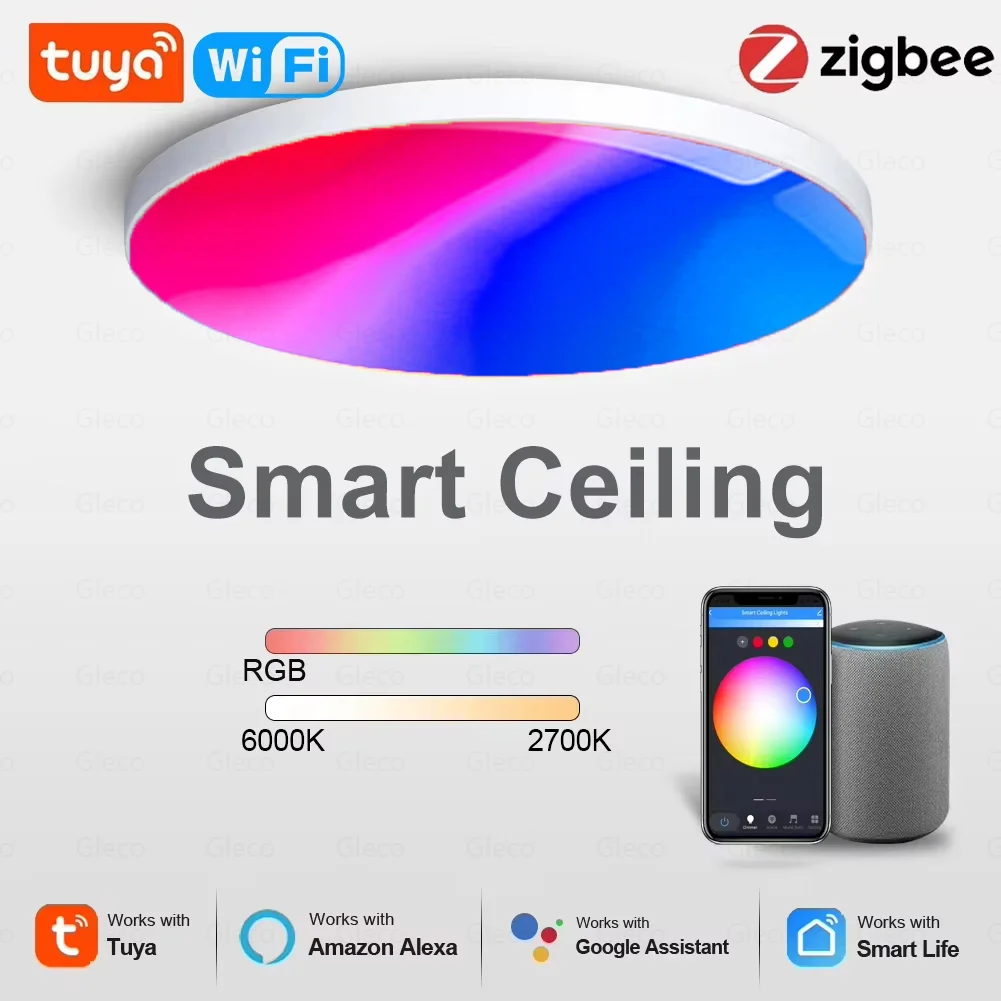
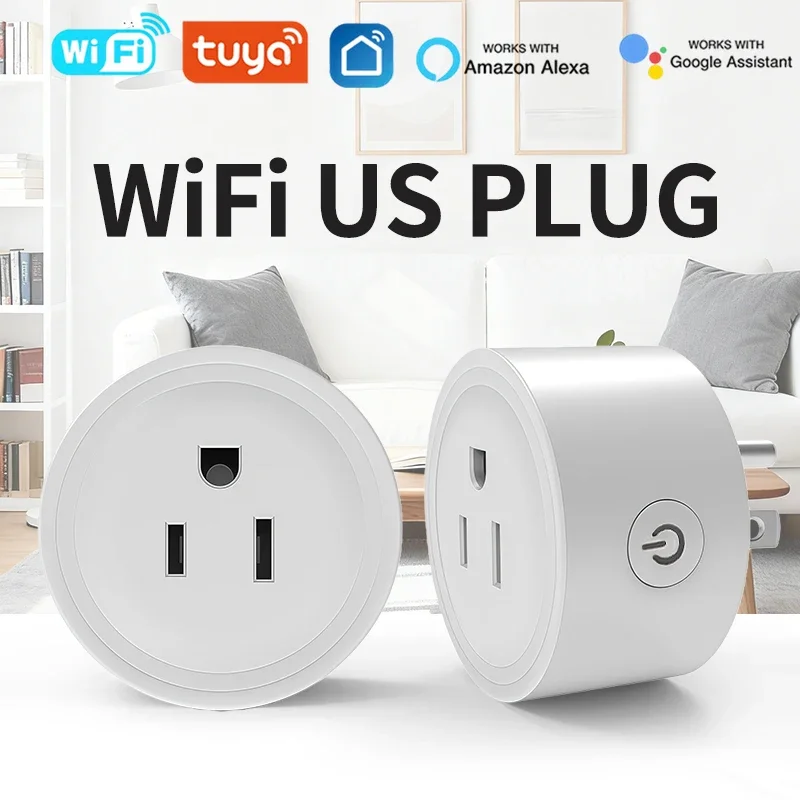
Ultimately, selecting devices aligned with this framework translates to practical flexibility and scalability. You can integrate a Teckin power strip, an Arlec grid connectivity light panel, and a generic sensor from AliExpress into a single “Goodnight” routine without navigating multiple apps. This approach future-proofs your setup, allowing for incremental expansion of your domestic network with confidence in cross-device interoperability.

What Does Tuya Compatible Mean? A Smart Home Guide
Prioritize purchasing a central coordinator, like the hub from BlitzWolf or Moes, to unlock local execution for routines and reduce reliance on web services.
This ecosystem’s strength lies in its universal connectivity layer. A single application, such as Smart Life, can manage diverse products:
- Illumination: Wi-Fi bulbs from LOHAS and Sengled.
- Climate: Thermostats and plugs from Gosund and Teckin.
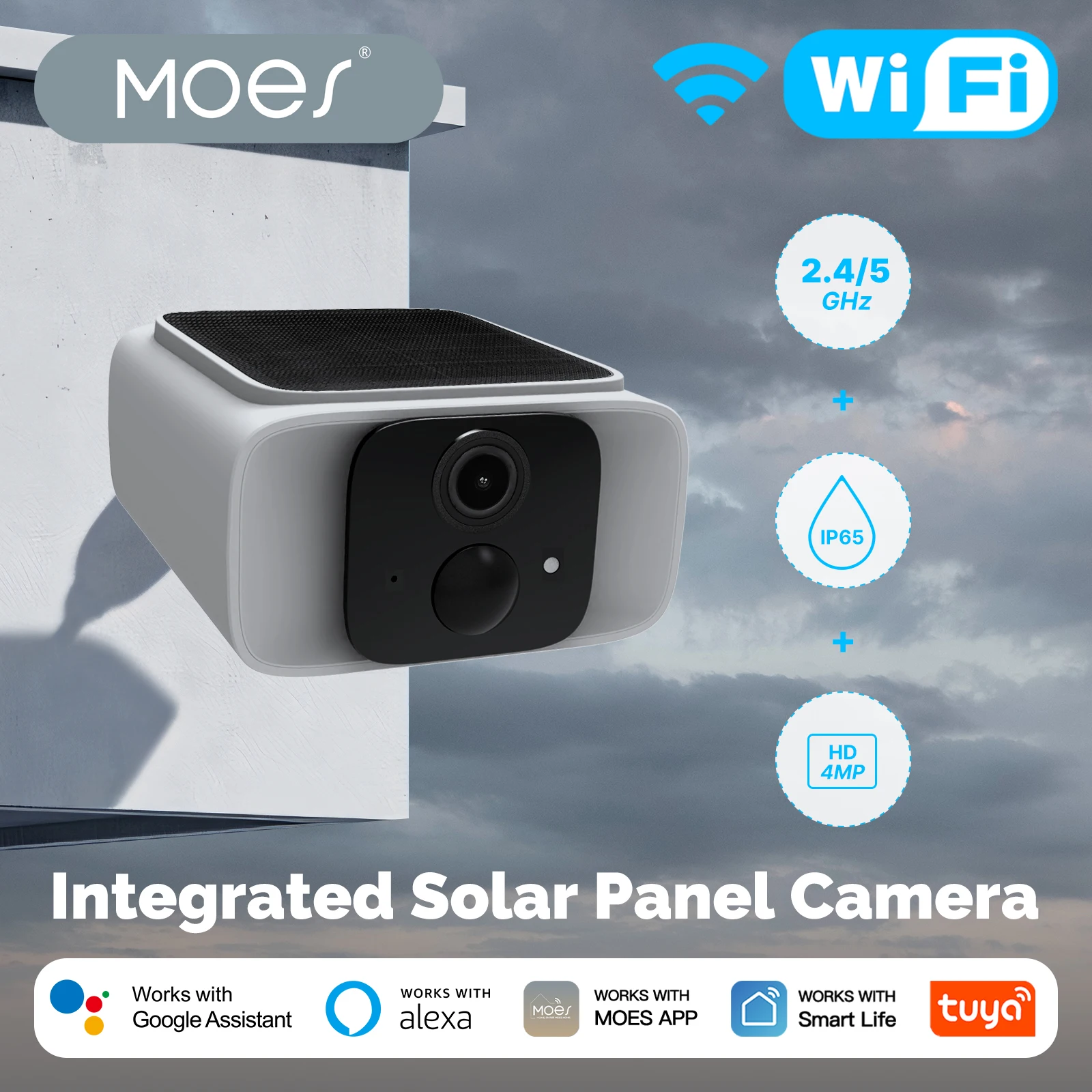
- Security: Sensors and cameras from HeimVision.
Leverage the cloud-powered platform to create advanced automation. For instance, link a Gosund moisture sensor from AliExpress to automatically switch on a compatible dehumidifier when humidity exceeds 60%.
When expanding your setup, verify the technical specifications. Look for explicit mentions of “works with Smart Life” or the IoT infrastructure’s branding on Amazon listings for items like the Sonoff S31 plug.
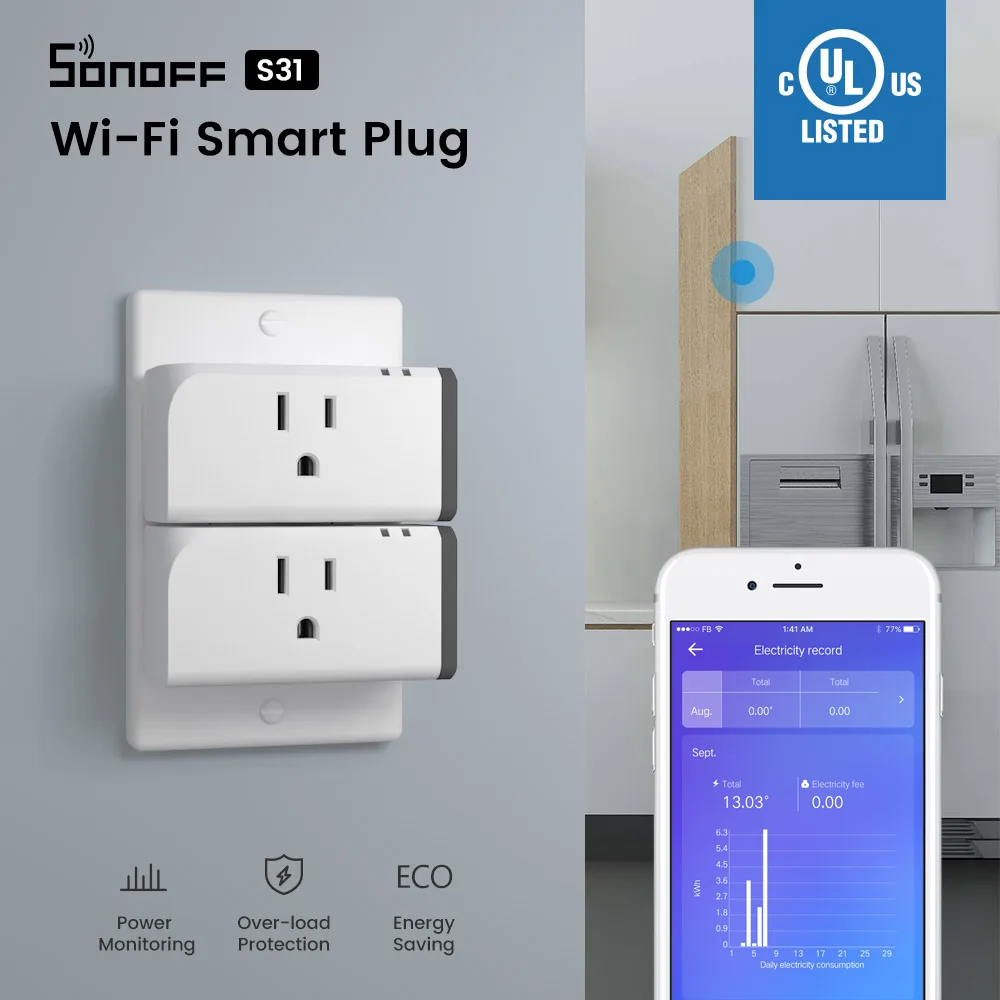
- Install the central application.
- Add your first gadget using its pairing mode.
- Group devices into rooms for efficient management.
- Establish scenes that trigger multiple actions with one command.
This approach ensures a cohesive, powerful, and scalable interconnected environment without vendor lock-in.
Understanding Tuya Compatibility and Integration
Start by verifying the product listing for the official platform logos–look for “Works with Smart Life” or “Powered by Tuya” on items like the Merkury Innovations Smart Plug from Walmart or a Teckin Wi-Fi Power Strip from Amazon.
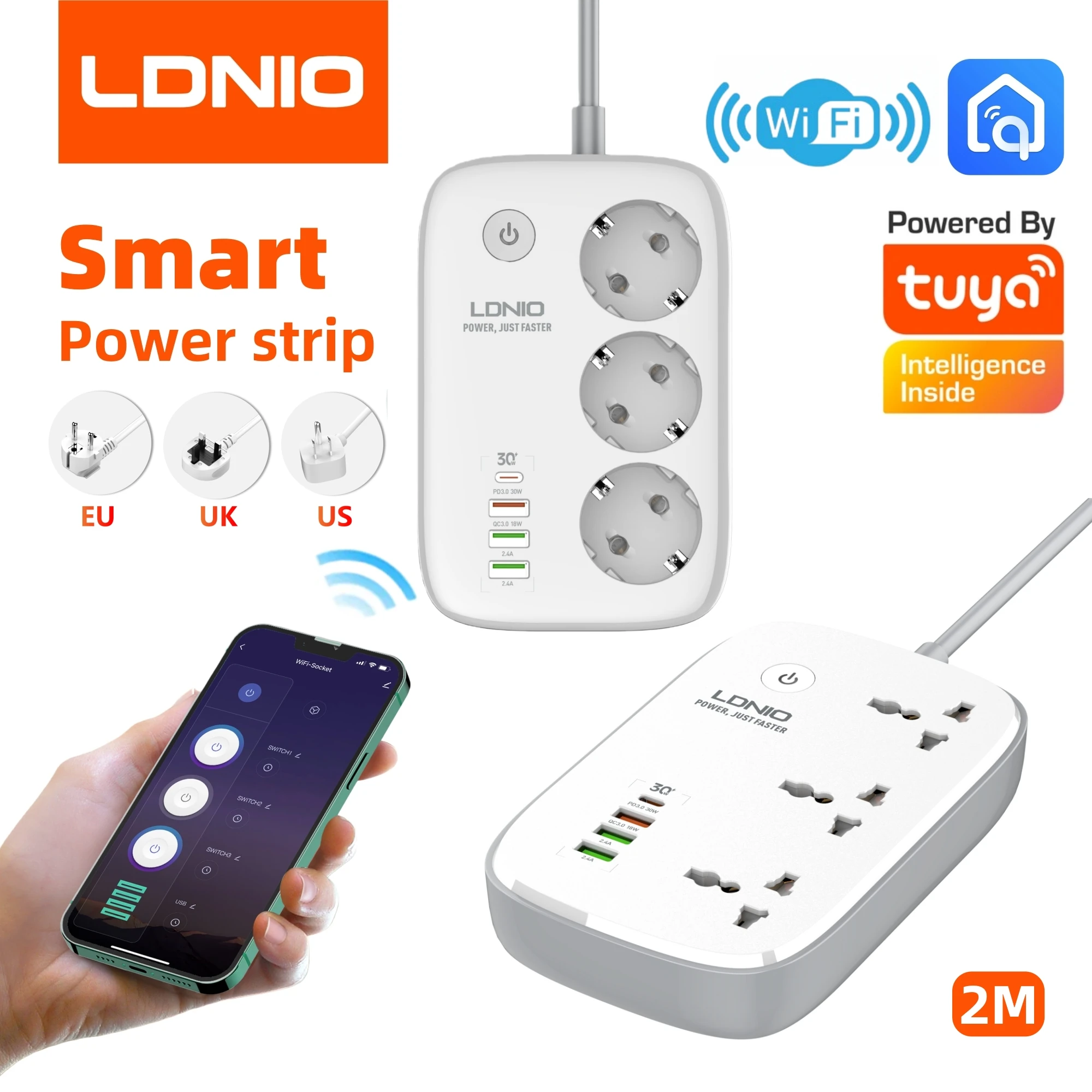
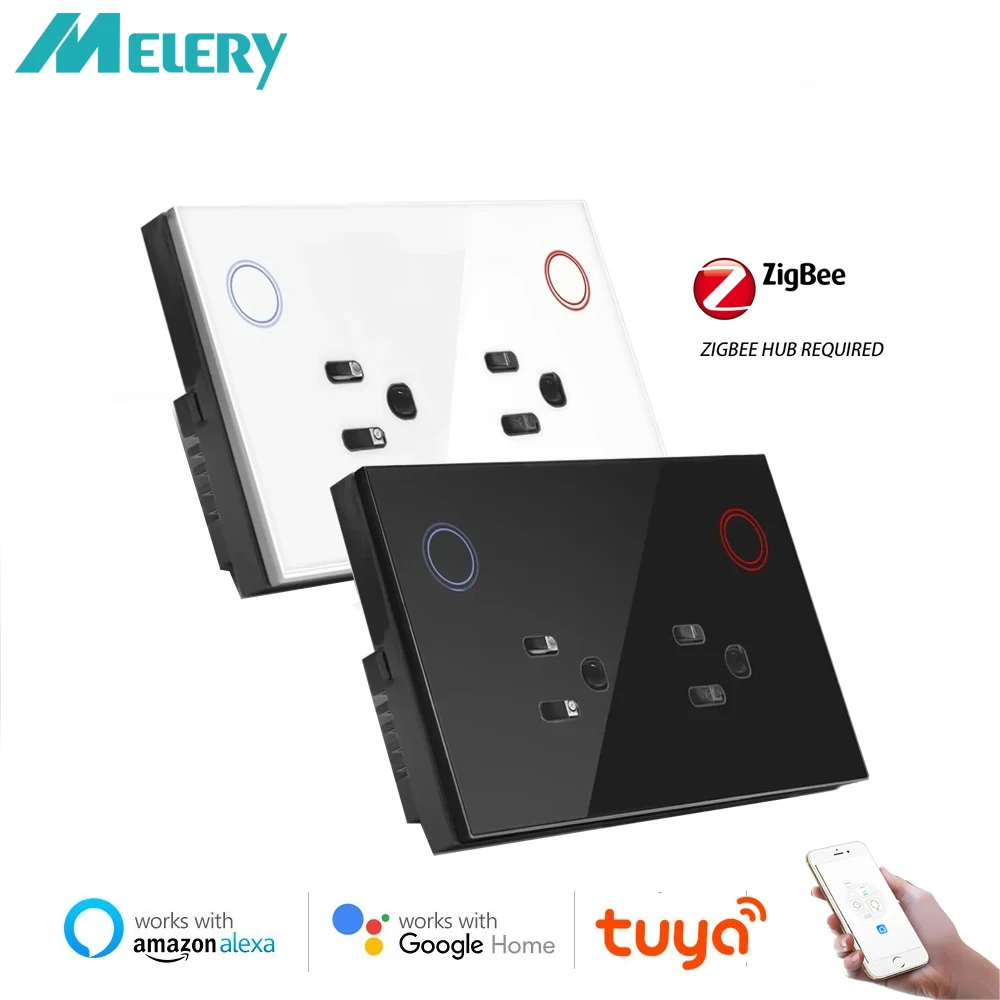
All such gadgets connect to a single, unified cloud infrastructure. This means a smart bulb from AliExpress and a thermostat from a local retailer operate within the same digital ecosystem, managed through one application like the Smart Life or Tuya app.
True integration power lies in cross-brand automation. For instance, you can program a Gosund Mini Wi-Fi Switch to trigger an LSC Smart Ceiling Light when motion is detected by a Nooie Wi-Fi Cam, despite their different manufacturers.
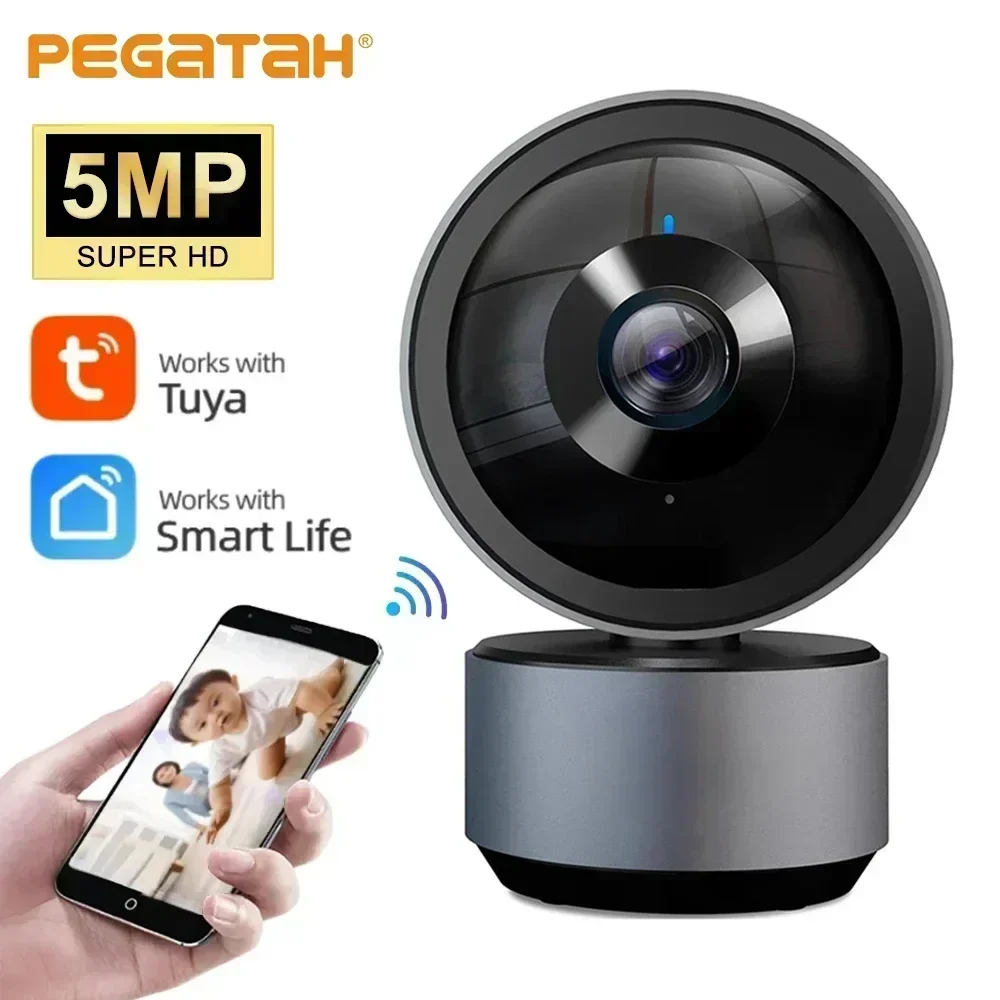
Prioritize connectivity protocols based on your needs: choose Wi-Fi for simple, direct control, or select Zigbee-based devices like the SONOFF Zigbee Hub and Sensors for a more robust, low-power network with local execution capabilities.
This approach future-proofs your setup; adding a new IoT product, such as a Lumary Smart LED Strip from Amazon, becomes a matter of a quick pairing process rather than a complex configuration in a separate system.
What is the Tuya Platform?
Think of it as the universal digital backbone for your connected residence. This cloud-based platform provides the essential software and connectivity framework that allows thousands of manufacturers to produce interoperable gadgets.
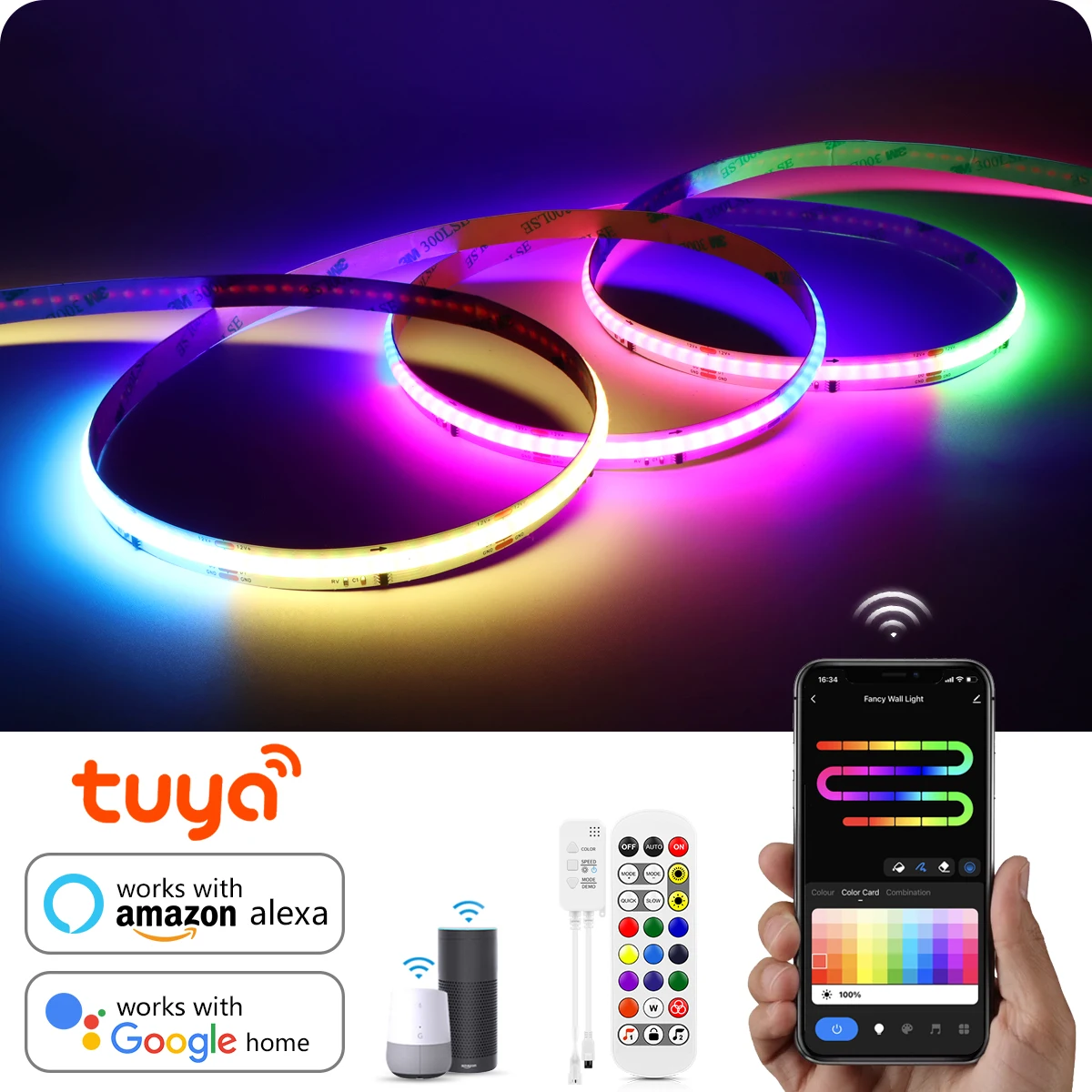
At its core, the system operates through a mobile application. This app serves as the central command point, letting you manage disparate devices–from a Mingxing LED strip light (found on AliExpress) to a Gosund smart plug (sold on Amazon)–within a single interface. No universal hub is strictly required for basic functions, as each product connects directly to your Wi-Fi and the platform‘s cloud servers.
Its real power lies in creating intricate automation sequences. You can program a Lepro bulb to flash red when a Moes door sensor (both available on major e-commerce sites) detects an opening after dark. This cross-brand orchestration is the defining feature of the ecosystem.
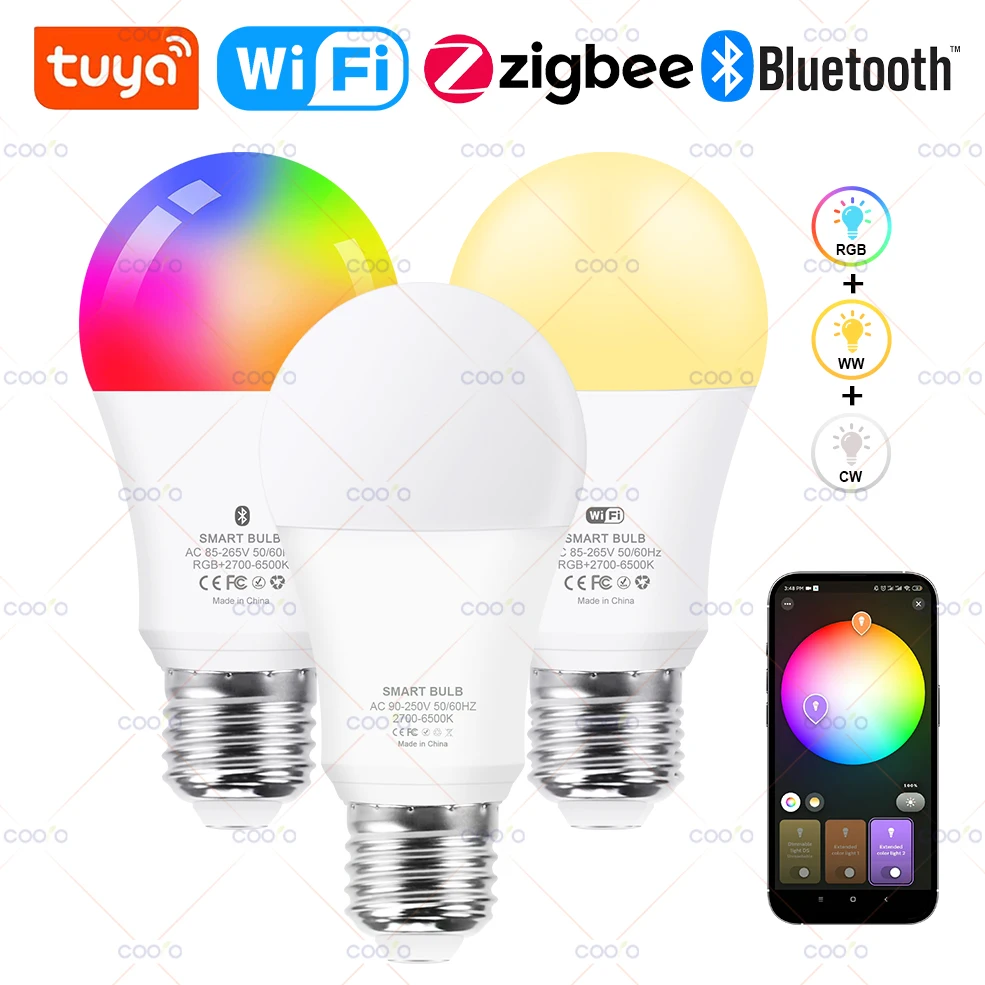
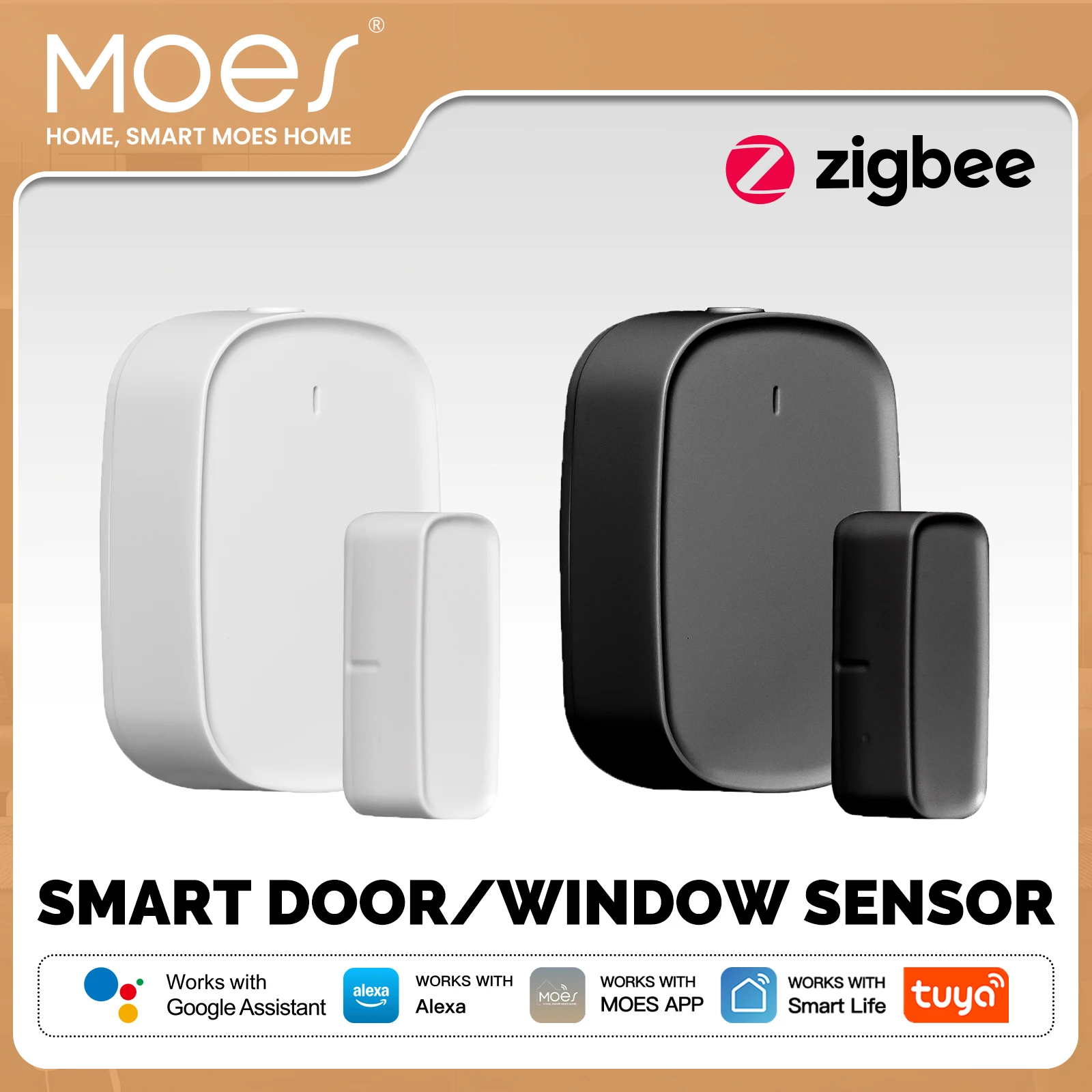
For the user, the primary recommendation is to download the official application. All compatible products include a QR code for seamless addition to your digital domain. This approach guarantees that your devices, regardless of their brand name, can interact to form a cohesive and automated living space.
How “Tuya Compatible” Devices Connect to Your Network
Begin by downloading the official application, such as Smart Life or Tuya Smart, to serve as your primary control interface.
Most gadgets, like the Gosund smart plug from Amazon or the LSC WiFi ceiling light from AliExpress, connect directly to your home WiFi without a central hub. Power on the product and use the app’s “+” function to put it into pairing mode, typically indicated by a flashing LED.
Your mobile phone then creates a temporary, secure network to transmit your WiFi credentials directly to the gadget. After this quick exchange, the apparatus reconnects using your standard home network credentials.
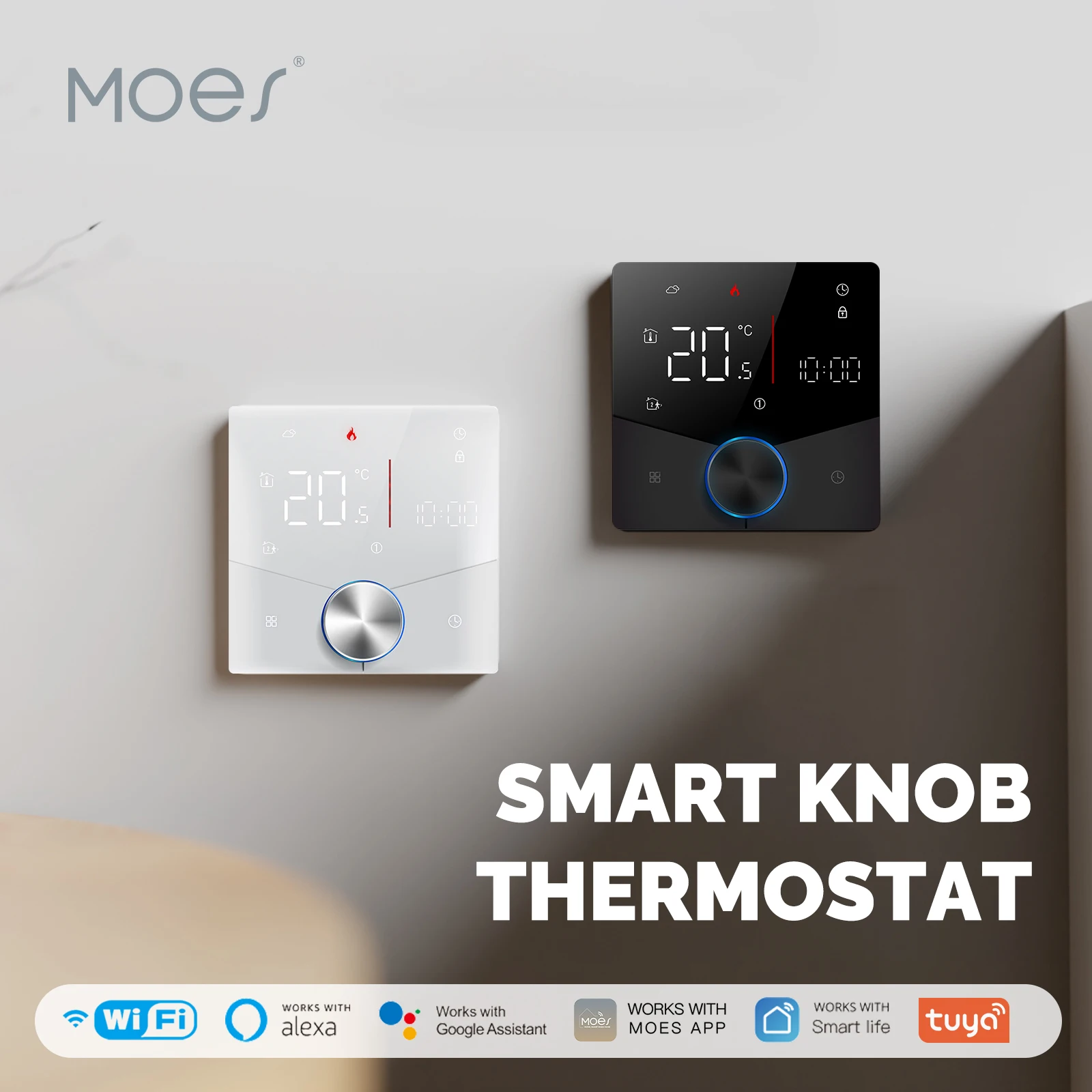
Once online, the gadget communicates with the vendor’s cloud servers. This enables remote control from anywhere and voice commands via Alexa or Google Assistant. For advanced automation, like having a compatible Moes thermostat trigger a scene when a certain temperature is reached, rules are created and executed in the cloud.
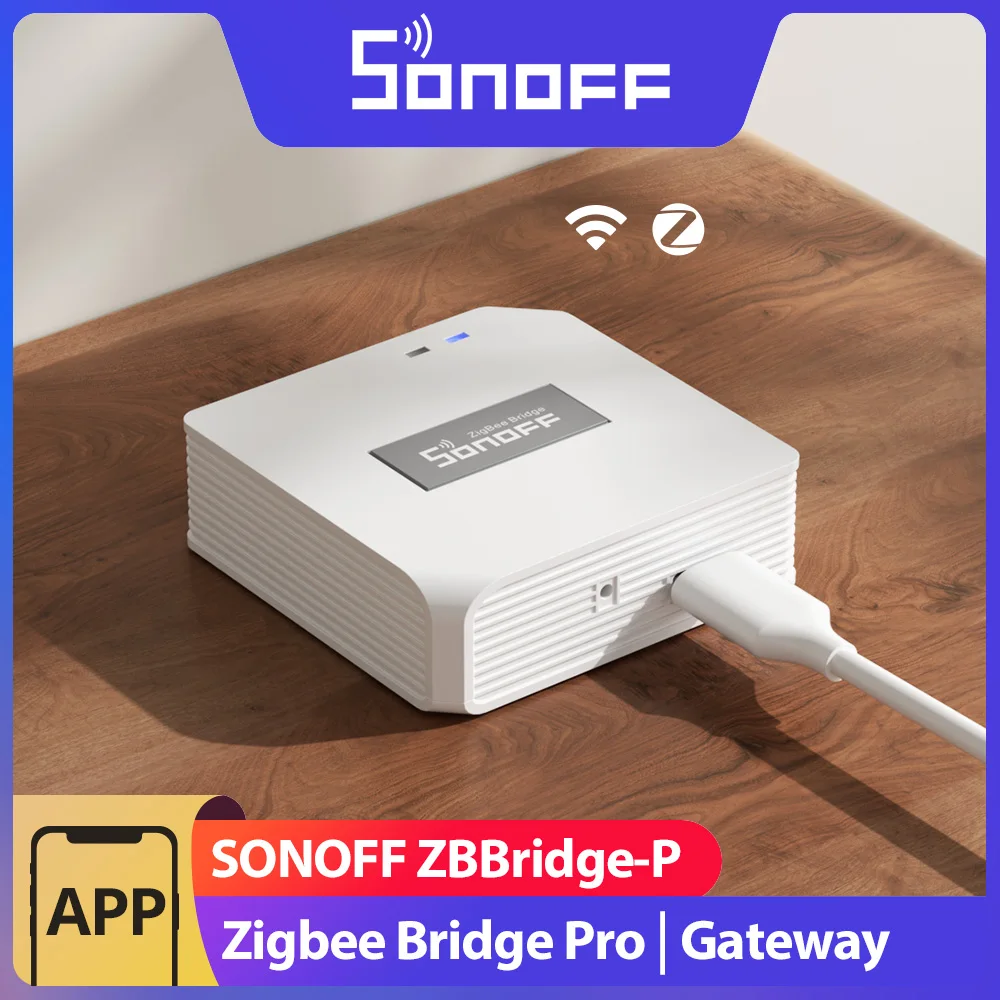
For a more robust and local network, some users integrate a dedicated hub, like the Tuya Zigbee gateway. This connects Zigbee or Bluetooth mesh products, such as Aqara sensors or Zemismart blinds, creating a separate, low-power mesh network that then bridges to your WiFi via the hub, enhancing reliability and reducing cloud dependency for certain triggers.

Differences Between Tuya and Proprietary Brand Apps
Choose a single-brand ecosystem for a polished, locked-in experience, or opt for a cloud-agnostic platform like Tuya for maximum device variety and cost savings.
Proprietary applications, like those from Philips Hue or Aqara, typically require their own dedicated hub. This ensures robust local connectivity and tight integration between their devices, but limits your choices. You cannot add a generic IoT bulb from AliExpress to the Hue app.
In contrast, the Tuya-powered app (e.g., Smart Life) acts as a universal aggregator. It allows a Wi-Fi smart plug from Amazon (like Gosund) and a budget-friendly LED strip from AliExpress to coexist in one automation routine. The trade-off is a less curated interface and potential reliance on the public cloud for commands.
For connectivity protocols, proprietary systems often use standards like Zigbee or proprietary RF. The universal platform primarily utilizes Wi-Fi and Bluetooth for direct-to-phone control, bypassing the need for a central hub for many gadgets.
Consider your priorities: seamless out-of-box performance and advanced features favor a single brand. For a sprawling, customizable, and budget-conscious IoT setup, the open platform is superior. You can mix a Teckin power strip with a Moe’s Light switch and control them via one scene.
Common Product Categories with Tuya Support
Explore the vast range of connected gadgets that leverage this universal platform for seamless domestic control.
The system’s strength lies in its extensive interoperability, allowing diverse electronics from various manufacturers to communicate through a single application. This eliminates the frustration of managing multiple, isolated controllers.
| Category | Popular Examples & Models | Key Automation Features |
|---|---|---|
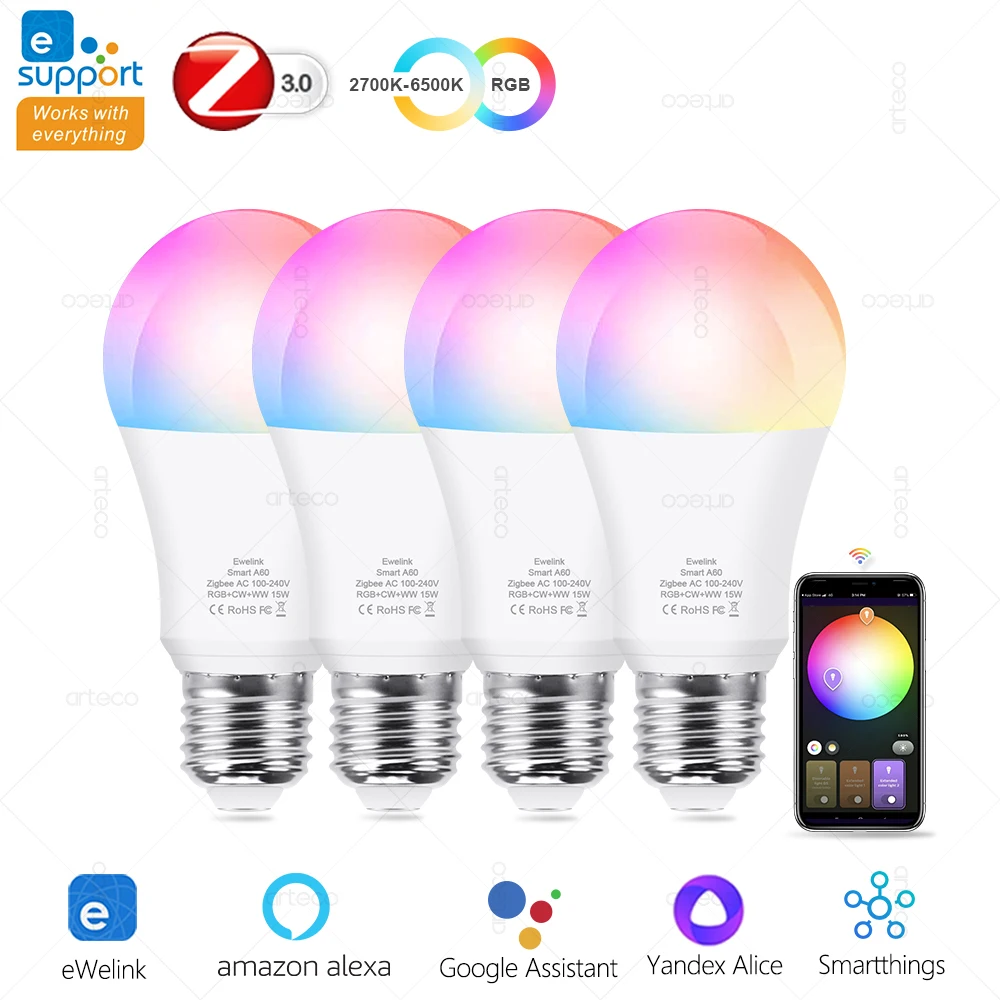
| Lighting Solutions | Gosund smart bulbs, Teckin LED strips, LOHAS Wi-Fi switches. | Scheduling, voice command grouping, color scene creation based on time or other gadget triggers. |
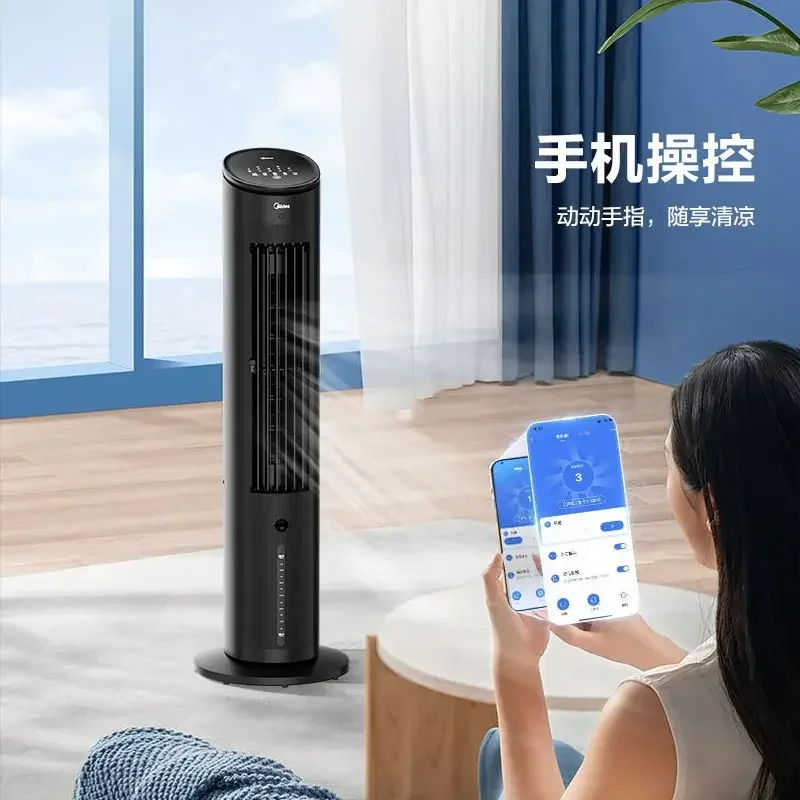
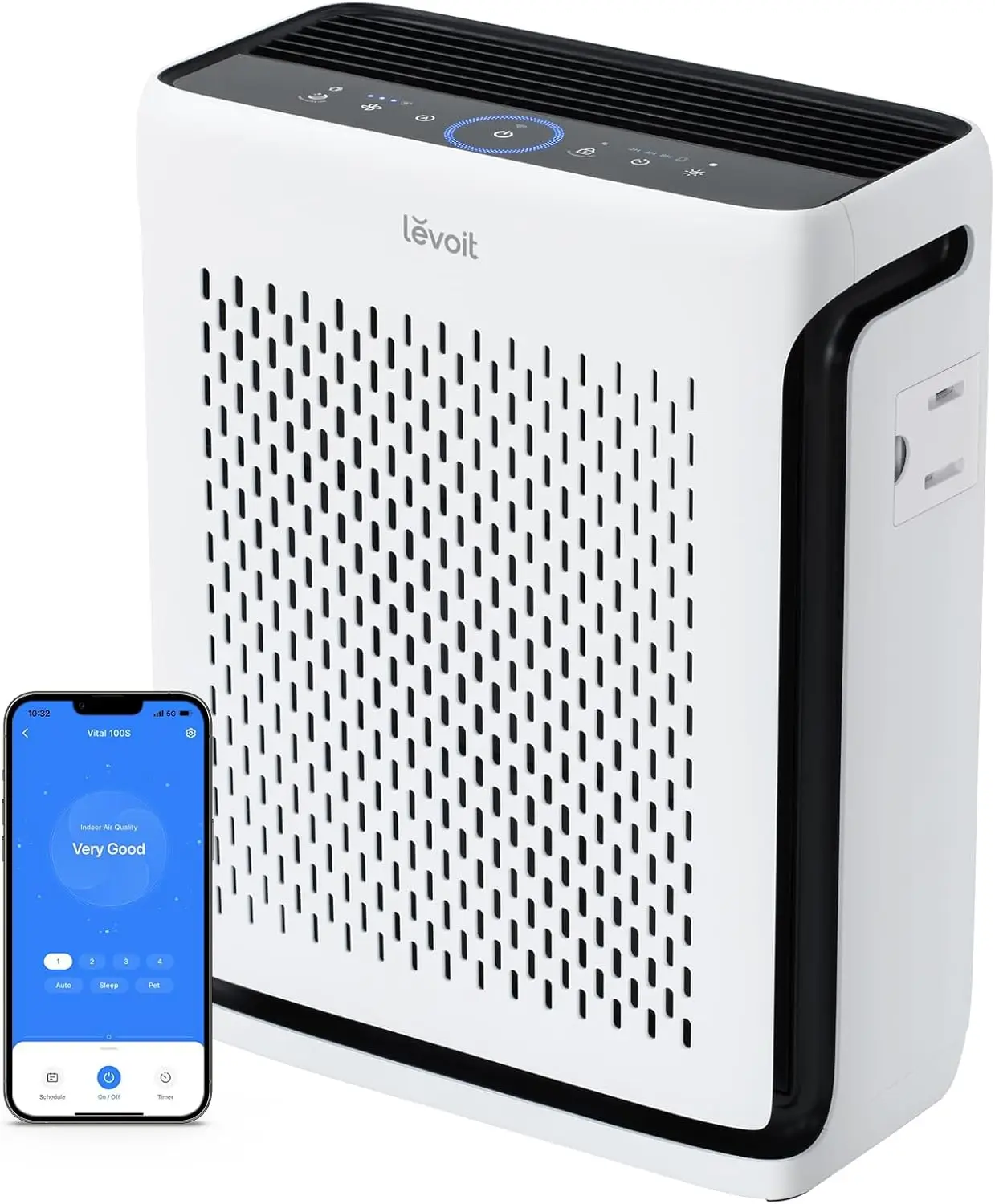
| Climate & Air Quality | Midea air conditioners, Beca thermostats, Levoit air purifiers. | Geofencing to adjust temperature, triggering purifiers based on linked air monitors, vacation modes. |
| Security & Monitoring | BlitzWolf indoor cameras, Sonoff motion sensors, Tuya-compatible smart locks. | Receiving alerts, recording video upon sensor activation, creating temporary access codes for guests. |
| Power Management | KMC Wi-Fi plugs, Treatlife wall outlets, Teckin power strips. | Remote on/off control, energy usage tracking, setting “away” modes to cut phantom load. |
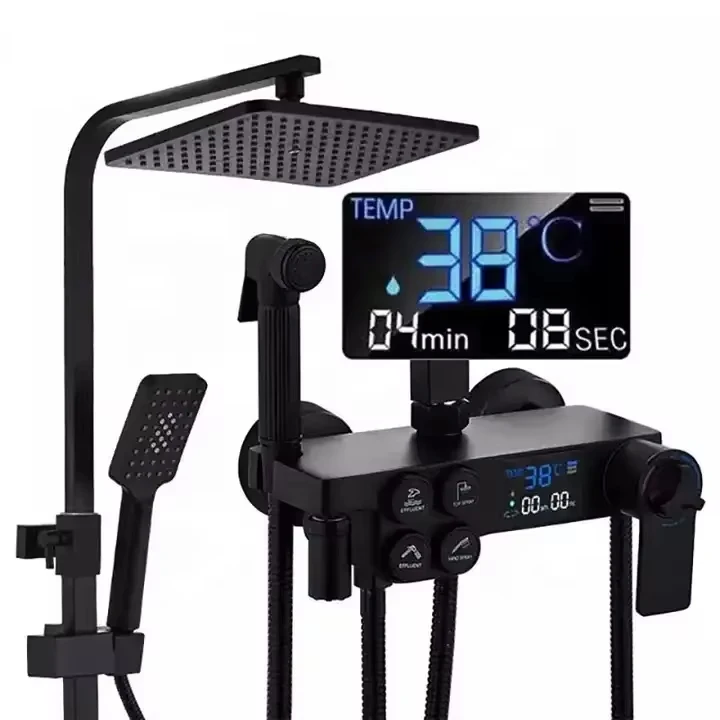
| Small Appliances | Moen smart faucets, Sonoff coffee machine controllers, robot vacuums like Lefant. | Starting appliances on a schedule, integrating a kettle with a morning alarm, pausing a vacuum when motion is detected. |

For optimal performance, verify that each item supports Wi-Fi or Bluetooth connectivity for direct network linking, or requires a dedicated brand-specific bridge. Many advanced setups benefit from a central Zigbee hub, such as those from Moes or Samsung, which connects battery-powered sensors and creates a more robust, low-power mesh network for your entire automated environment.
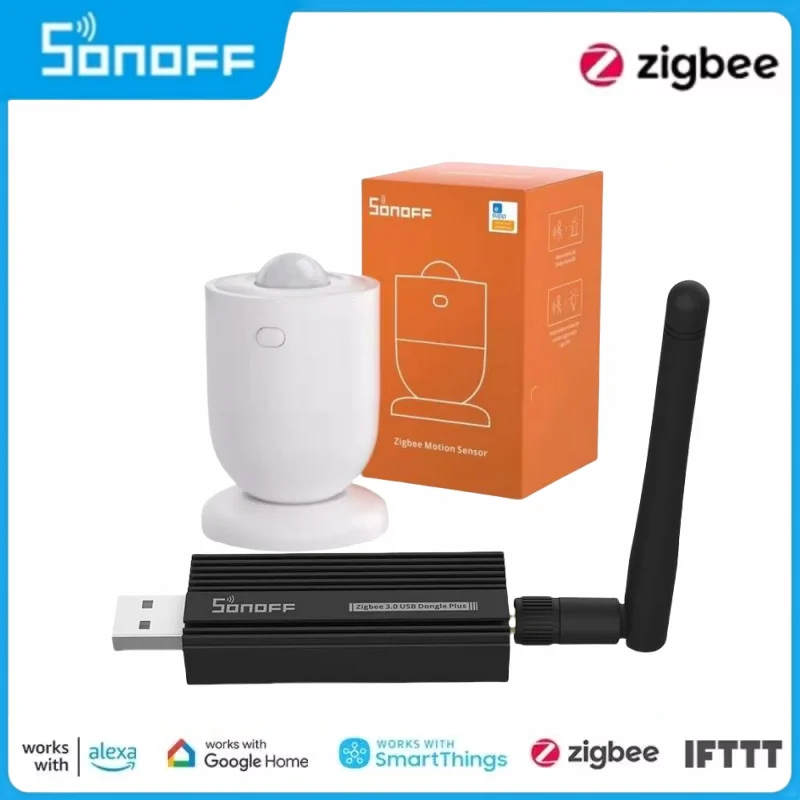
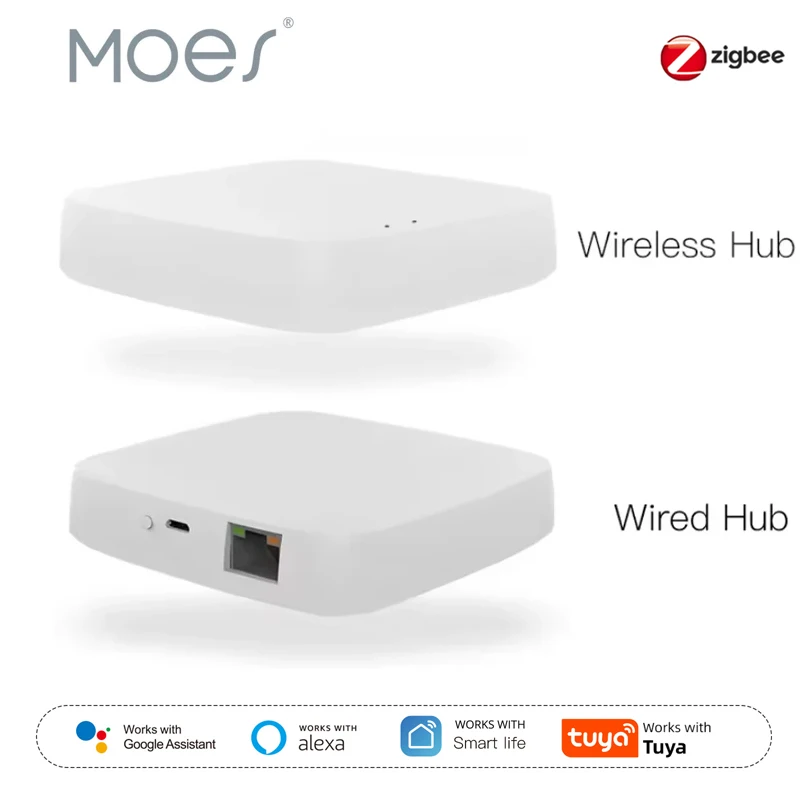
When sourcing products on marketplaces like Amazon or AliExpress, search for terms like “works with Smart Life app” or “compatible with Alexa/Google via Tuya.” This ensures you are purchasing gear designed for this specific cloud ecosystem, guaranteeing unified control and complex scene creation across all your devices.
Setting Up and Using Tuya-Compatible Devices
Begin by downloading the official application, such as Smart Life or Tuya Smart, to serve as your central control panel.
Power on your new gadget, like a Gosund smart plug from Amazon or a Teckin LED strip from AliExpress, and initiate its pairing mode–typically by holding a button until an indicator light flashes rapidly.
Within the app, tap ‘Add Device’; the software will automatically detect the gadget’s Wi-Fi signal. Select your home network and enter the password to establish secure connectivity.
The appliance will then link to the company’s cloud infrastructure, registering within your account’s ecosystem for remote management.
Organize each item into rooms and create logical groups, for instance, bundling all “Living Room Lights” for simultaneous control.
Leverage the platform’s powerful automation tools by setting “Scenes” or “Automations.” Create a rule like: “When my motion sensor triggers after sunset, turn on the hallway bulb for 2 minutes.
For enhanced reliability and local control of Zigbee or Bluetooth mesh items, integrate a central hub, like the one from MoesHouse.
Explore the “Smart” tab to connect your setup with broader IoT services like Google Assistant or Amazon Alexa for seamless voice commands.
Regularly check the firmware update section in your app to ensure all your connected technologies receive the latest security patches and feature enhancements.
Question-Answer:
Is Tuya compatible the same as “works with Alexa” or Google Home?
Not exactly. While there is overlap, they are different. “Tuya compatible” means the device’s internal electronics and software are built on the Tuya platform. This allows it to connect to the Tuya or Smart Life app. Many Tuya-compatible devices can then be linked to Alexa or Google Home for voice control, but this is a secondary integration. A device could be “works with Alexa” without using Tuya, and vice versa. The key is that Tuya compatibility gives you a central app for setup and automation before you connect it to a voice assistant.
I bought a smart plug that says Tuya compatible. What apps can I use to control it?
You can typically use a few different apps, all powered by the same Tuya system. The most common are the official “Tuya Smart” app and the “Smart Life” app. Many brands also have their own white-label apps that are just rebranded versions of these. For example, a generic plug might work in the “Smart Life” app, while a branded one from a specific company might use their own app name. You only need one. It’s often recommended to try the Smart Life app first, as many users find it straightforward. The device should list which app to use on its packaging or manual.
What are the main benefits of choosing Tuya-compatible devices over others?
The biggest benefit is cost and a unified system. Tuya-compatible devices are often less expensive than those from big brands like Philips Hue or TP-Link Kasa. They also let you mix and match products from many different manufacturers—lights, plugs, sensors—and control them all from one app. This avoids being locked into a single brand’s ecosystem. The Tuya/Smart Life app provides strong automation features, like setting schedules or having a motion sensor turn on a light, which works even between different device brands as long as they’re all in the app.
Are there any security or privacy risks with Tuya devices?
This is a common concern. Since Tuya is a cloud-based platform, your device data passes through its servers. The company states it follows data protection standards. However, as with any IoT product, you should be aware of the data collection practices outlined in the app’s privacy policy. To improve security, always set a strong, unique password for your Tuya/Smart Life account and enable two-factor authentication if available. Keep your app and device firmware updated. For maximum local control and privacy, Tuya devices are generally not the best choice compared to systems like Home Assistant or Zigbee-based hubs that can operate without an internet connection.
I have a Tuya device. Can I use it without an internet connection or if the Tuya service shuts down?
Basic manual control might work, but smart features will not. Most Tuya devices rely on a constant internet connection to communicate with the Tuya cloud. This means schedules, remote control from outside your home, and voice commands through Alexa/Google will stop working if your internet is down or if Tuya discontinues the service. The devices themselves may become unusable in the app. Some advanced users can “flash” alternative firmware like Tasmota or ESPHome onto certain Tuya devices, which removes the cloud dependency and allows full local control. This process, however, requires technical skill and is not supported by the manufacturer.